

When technology fails, the speed of resolution defines your downtime. According to industry data, businesses lose an average of $5,600 per hour of downtime Forbes. This financial pressure forces both homeowners and IT managers to choose between two primary repair pathways: bringing the technician to you or connecting them digitally. At Doctors of Technology, we have spent over 19 years analyzing these workflows to determine when physical intervention is necessary and when digital diagnostics suffice. Understanding the operational differences between these models is critical for minimizing disruption to your daily routine or business operations. (Contact Doctors Of Technology)
The Case for On-Site Repair
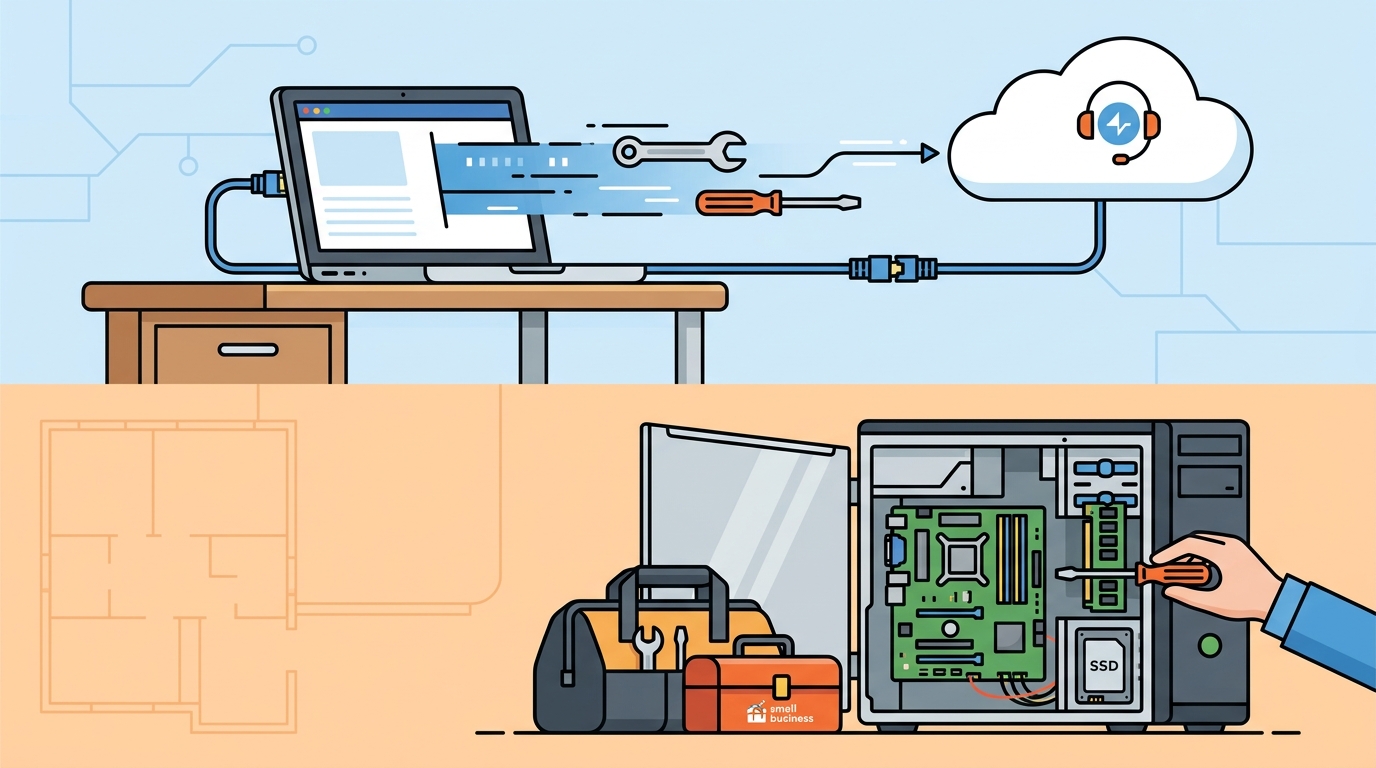
On-site repair, often referred to as mobile computer repair, involves a certified technician traveling to your home or office to diagnose and fix hardware issues physically. This model is non-negotiable for any issue involving physical components. If your laptop screen is cracked, your desktop is making loud grinding noises, or your device has suffered liquid damage, remote tools cannot resolve the problem. (About Doctors Of Technology)
Hardware Diagnostics and Physical Repair
Hardware failures require tactile intervention. A technician must open the chassis, test voltage levels with multimeters, and replace faulty components like hard drives, RAM, or power supplies. For example, data recovery from a clicking hard drive PCWorld often requires specialized hardware tools that cannot be accessed remotely. Attempting to force a failing drive via software can lead to permanent data loss. On-site repair ensures that delicate hardware is handled with professional care, reducing the risk of further damage. (Best Computer Repair Service)
Network and Infrastructure Setup
Beyond individual devices, on-site support is essential for network infrastructure. Issues like weak Wi-Fi signals, router configuration errors, or printer connectivity problems often require physical adjustment of antennas, cable routing, or hardware placement. A technician can optimize your local area network (LAN) by physically testing signal strength in different rooms and adjusting access points for optimal coverage. This level of granular control is impossible to achieve through a remote desktop connection.
The Efficiency of Remote Support
Remote computer repair utilizes secure software to connect a technician to your device over the internet. This method is highly effective for software-related issues, allowing for immediate resolution without the wait time associated with scheduling a physical visit. For many users, remote support is the fastest way to restore functionality.
Software Troubleshooting and Optimization
Remote repair is the gold standard for software glitches. Issues such as blue screen of death (BSOD) errors TechSmith, driver conflicts, and operating system updates can often be diagnosed and fixed in minutes. A technician can remotely uninstall corrupted drivers, run system file checks, and apply patches without you leaving your desk. This efficiency is particularly valuable for businesses that need to keep their workforce productive with minimal interruption.
Virus and Malware Removal
One of the most common reasons for seeking remote support is the removal of malware and viruses. When a device is infected with spyware, ransomware, or pop-up ads, a remote technician can run comprehensive antivirus scans, quarantine threats, and clean the registry from the safety of their secure lab. This process is often faster and more thorough than what a user can achieve with consumer-grade antivirus software. Furthermore, remote tools allow the technician to monitor the system in real-time to ensure the infection is fully eradicated.
Security and Privacy Considerations
Both on-site and remote repair models have distinct security implications. Understanding these differences helps you make an informed decision about your data safety.
Data Privacy in Remote Sessions
Many users are hesitant to allow remote access due to privacy concerns. However, professional remote support services use encrypted, session-based connections that terminate automatically after the repair is complete. At Doctors of Technology, we adhere to strict data privacy protocols. According to cybersecurity best practices CISA, remote sessions should always be initiated by the user and monitored in real-time to ensure transparency. We provide clear documentation of all actions taken during a remote session, ensuring you maintain full control over your data.
Physical Security of On-Site Visits
On-site repair offers the advantage of physical oversight. You can watch the technician work, ensuring that no unauthorized changes are made to your hardware. This is particularly important for sensitive business environments where data integrity is paramount. Additionally, on-site repair eliminates the risk of data loss during transportation, which can occur if you choose to drop off your device at a repair shop. By keeping the device in your possession, you reduce the attack surface for potential data breaches.
Service Comparison Matrix
To help you decide which service model is best for your specific situation, we have compiled a comparison of the key factors involved in each approach.
| Factor | On-Site Repair | Remote Repair |
|---|---|---|
| Best For | Hardware failures, liquid damage, network setup | Software glitches, virus removal, OS updates |
| Response Time | Scheduled appointment (same-day available) | Immediate connection |
| Cost Efficiency | Higher due to travel and labor | Lower due to no travel time |
| Data Safety | Device remains in your possession | Secure encrypted session required |
| Complexity | Requires physical tools and parts | Requires stable internet connection |
Key Takeaways
- Hardware vs. Software: On-site repair is mandatory for physical damage, while remote repair is ideal for software issues.
- Speed of Resolution: Remote support offers immediate diagnosis, whereas on-site repair requires scheduling but provides comprehensive physical fixes.
- Data Privacy: On-site repair keeps your device in your sight, reducing data exposure risks associated with remote access.
- Network Issues: Wi-Fi and router problems require on-site physical adjustment for optimal performance.
- Business Continuity: Remote support minimizes downtime for businesses, keeping employees productive.
- Expertise: Doctors of Technology technicians are CompTIA A+ certified and skilled in both physical and digital repair methodologies.
- Service Area: We serve Las Vegas, Henderson, Summerlin, Paradise, and surrounding Clark County areas.
Frequently Asked Questions
How long does on-site computer repair take?
Repair time depends on the device issue and required parts. Many common repairs are completed within one to three business days after diagnostic testing. For urgent needs, we offer same-day diagnostics and repair services for local clients.
Can remote repair recover lost files?
Remote repair can often recover files from accidental deletions or corrupted software partitions. However, data recovery from physically damaged drives Stellar Info usually requires on-site intervention with specialized hardware tools to safely extract data.
Do you repair both laptops and desktop computers?
Yes. Doctors of Technology provides comprehensive repair services for all major brands, including Apple, Dell, HP, and Lenovo. Our technicians are trained to handle both mobile and stationary computing devices.
Is remote repair secure?
Yes. We use encrypted, session-based remote access tools that terminate automatically after the repair. You can monitor the session in real-time, ensuring complete transparency and data security.
What areas do you serve for on-site repair?
We serve the entire Las Vegas Valley, including Las Vegas, Henderson, North Las Vegas, Paradise, Spring Valley, Summerlin, and surrounding Clark County communities.
How do I schedule an on-site repair?
You can schedule an on-site repair by calling us at (702) 277-0000 or by visiting our contact page to request a quote. We offer flexible scheduling to accommodate your busy lifestyle.
Contact Doctors of Technology
Whether you need immediate remote assistance for a software glitch or a scheduled on-site visit for a hardware failure, Doctors of Technology is here to help. With over 19 years of experience and a team of certified technicians, we provide fast, honest, and affordable computer repair services across Las Vegas. Do not let technology issues disrupt your life or business. Contact us today to schedule your repair and get back to what matters most.