

Essential Features and Service Standards for Las Vegas Small Business IT Support Plans
Las Vegas operates as a critical hub for hospitality, gaming, and retail sectors where technology uptime directly correlates with revenue generation. According to industry data, small businesses that experience prolonged IT downtime can lose an average of 5% to 10% of their annual revenue due to lost productivity and operational halts. This statistic underscores why local enterprises cannot rely on ad-hoc tech support. Instead, they require structured, proactive IT support plans that guarantee rapid response times and comprehensive security protocols. For business owners in Clark County, understanding the specific service standards and technical features that define a premium IT partnership is essential for maintaining competitive advantage.
Proactive Monitoring and Preventative Maintenance
Reactive IT support is a liability for any small business operating in the fast-paced Las Vegas market. Proactive monitoring involves continuous surveillance of network infrastructure, server health, and endpoint devices to identify potential failures before they disrupt operations. This approach shifts the IT paradigm from "fixing what is broken" to "preventing what could break."
Essential features of a proactive plan include automated patch management for operating systems and third-party applications. This ensures that security vulnerabilities are closed promptly, reducing the attack surface for malware and ransomware. Additionally, regular disk health checks and fan speed monitoring can prevent hardware catastrophes in high-temperature environments common in Southern Nevada.
Preventative maintenance also extends to software optimization. Over time, systems accumulate temporary files, fragmented data, and unnecessary background processes that degrade performance. A structured maintenance schedule includes regular system cleanups and driver updates to ensure peak efficiency. For businesses relying on point-of-sale (POS) systems or inventory management software, even minor slowdowns can result in customer dissatisfaction and lost sales.
When evaluating IT support providers, ask about their monitoring tools and reporting capabilities. Top-tier providers offer dashboards that give business owners real-time visibility into their IT health. This transparency builds trust and allows for informed decision-making regarding technology investments. At Doctors of Technology, we emphasize that proactive care is not just a service feature but a business necessity for longevity.
Response Time Standards and SLA Definitions
Service Level Agreements (SLAs) are the contractual backbone of any IT support plan. They define the expected response and resolution times for various types of technical issues. For Las Vegas small businesses, the definition of an SLA is a formal commitment by the provider to meet specific performance metrics.
Critical SLA components include:
- Response Time: The duration within which a technician acknowledges the ticket. For critical issues, this should be under one hour.
- Resolution Time: The estimated time to fully resolve the issue. Complex problems may require extended windows, but clear communication is mandatory.
- Escalation Paths: Clear protocols for escalating unresolved issues to senior engineers or specialized teams.
Local businesses often face unique challenges, such as high-volume customer traffic during peak seasons or holidays. During these periods, IT support availability must be robust. Providers offering 24/7 support are particularly valuable for hospitality and gaming-related businesses that operate around the clock. However, for standard retail or professional service firms, extended business hours with on-call emergency support may suffice.
It is crucial to distinguish between "remote" and "on-site" support. While remote assistance is efficient for software issues, hardware failures often require physical intervention. A comprehensive plan should include a mix of both, with clear guidelines on when a technician will be dispatched to your Las Vegas location. Mobile computer repair services ensure that technicians can address urgent hardware problems directly at your office, minimizing downtime.
Cybersecurity and Data Protection Frameworks
Cybersecurity is no longer optional for small businesses. According to recent cybersecurity reports, small businesses are increasingly targeted by ransomware attacks due to perceived weaker defenses. A robust IT support plan must include comprehensive security measures to protect sensitive customer data and intellectual property.
Key security features to look for include:
- Endpoint Protection: Advanced antivirus and anti-malware solutions installed on all workstations and servers.
- Email Security: Filtering systems to block phishing attempts and malicious attachments before they reach employee inboxes.
- Firewall Management: Configuration and monitoring of network firewalls to prevent unauthorized access.
- Employee Training: Regular security awareness training to help staff recognize social engineering tactics.
Data privacy compliance is also a critical consideration. Depending on your industry, you may need to adhere to regulations such as HIPAA for healthcare or PCI-DSS for payment processing. An experienced IT partner will ensure your infrastructure meets these regulatory standards. For instance, data recovery services are a vital component of a security strategy, ensuring that business continuity is possible even after a catastrophic data loss event.
Regular vulnerability assessments and penetration testing can identify weak points in your security posture. These proactive measures allow you to patch gaps before attackers can exploit them. By prioritizing security, you not only protect your business but also build trust with your clients who value data privacy.
Cloud Infrastructure and Backup Solutions
The migration to cloud computing has transformed how small businesses operate. Cloud infrastructure provides scalability, flexibility, and remote accessibility, which are essential for modern workforces. A comprehensive IT support plan should include the management and optimization of cloud services such as Microsoft 365, Google Workspace, or AWS.
Cloud backup solutions are particularly important for business continuity. Unlike traditional on-site backups, cloud backups store data in geographically dispersed data centers, protecting against local disasters such as fires or floods. The definition of a reliable backup strategy is a system that performs regular, automated backups with verified restoration capabilities.
Key aspects of cloud management include:
- Disaster Recovery Planning: Developing and testing plans to restore operations quickly after a disruption.
- Cost Optimization: Monitoring cloud usage to prevent unexpected expenses and ensure efficient resource allocation.
- Integration: Ensuring that cloud applications integrate seamlessly with existing on-premise systems.
For Las Vegas businesses, reliable internet connectivity is paramount. IT support providers can assist with network optimization to ensure stable connections for cloud-based applications. This includes configuring Quality of Service (QoS) settings to prioritize critical traffic over less important data. By leveraging cloud technology effectively, businesses can reduce hardware costs and enhance collaboration among remote teams.
Hardware Lifecycle Management and Upgrades
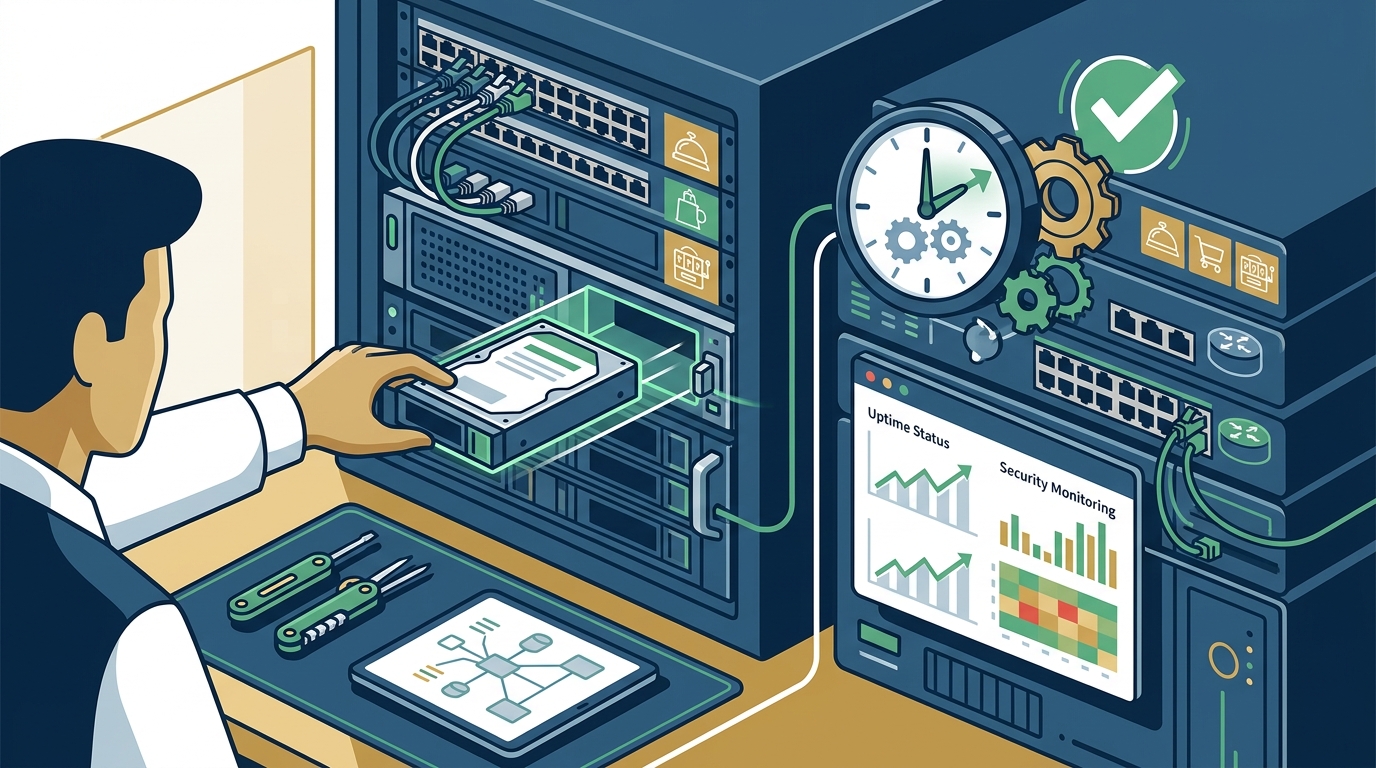
Hardware lifecycle management involves planning for the replacement and upgrade of IT equipment throughout its useful life. This proactive approach prevents the inefficiencies and security risks associated with aging technology. The definition of hardware lifecycle is the period from the acquisition of a device to its retirement and replacement.
Regular hardware assessments help identify devices that are nearing the end of their support cycle. Operating systems like Windows 11 require specific hardware specifications to run efficiently. Older machines may struggle with modern software, leading to performance bottlenecks. Upgrading to newer hardware can significantly improve employee productivity and reduce energy consumption.
Custom-built PCs are often preferred by businesses requiring high performance for specific tasks such as graphic design or data analysis. Custom-built PC repair and maintenance services ensure that these specialized systems remain optimized for their intended use. Additionally, laptop repairs are essential for mobile workforces, ensuring that devices are always ready for use.
When planning hardware upgrades, consider the total cost of ownership (TCO). This includes not only the purchase price but also maintenance, energy costs, and potential downtime. A well-managed hardware lifecycle plan balances cost efficiency with performance needs, ensuring that your business always has the tools it needs to succeed.
Comparing IT Support Models for Las Vegas Businesses
Understanding the different IT support models available is crucial for selecting the right partner. Each model offers distinct advantages and disadvantages depending on your business size, budget, and technical needs.
| Support Model | Description | Best For | Pros | Cons |
|---|---|---|---|---|
| Break-Fix | Pay only when something breaks. No ongoing relationship. | Very small businesses with minimal IT needs. | Low upfront cost. | Unpredictable costs, reactive approach, no security focus. |
| Managed Service Provider (MSP) | Monthly subscription for proactive monitoring and support. | Small to medium businesses seeking reliability. | Predictable budget, proactive care, comprehensive security. | Higher initial commitment, requires vendor trust. |
| Internal IT Department | Hiring in-house staff to manage all IT functions. | Large enterprises with complex infrastructure. | Direct control, deep institutional knowledge. | High salary costs, benefits, and training expenses. |
| Hybrid Model | Combines internal staff with external MSP support. | Growing businesses with evolving needs. | Flexibility, specialized expertise on demand. | Complex management, potential communication gaps. |
For most Las Vegas small businesses, the Managed Service Provider (MSP) model offers the best balance of cost, reliability, and expertise. It allows businesses to access enterprise-level IT support without the overhead of hiring a full internal team. Providers like Doctors of Technology specialize in this model, offering tailored plans that align with local business needs.
Key Takeaways
- Proactive Monitoring: Essential for preventing downtime and identifying issues before they impact business operations.
- SLA Clarity: Clear Service Level Agreements define response times and ensure accountability from your IT provider.
- Security First: Comprehensive cybersecurity measures are critical to protecting against ransomware and data breaches.
- Cloud Integration: Effective cloud management and backup solutions ensure business continuity and remote accessibility.
- Hardware Lifecycle: Regular assessments and timely upgrades prevent performance bottlenecks and security risks.
- MSP Advantage: Managed Service Providers offer cost-effective, scalable IT support for small businesses.
- Local Expertise: Choosing a local Las Vegas provider ensures faster response times and understanding of regional business dynamics.
Frequently Asked Questions
What is the typical response time for IT support in Las Vegas?
Response times vary by provider and the severity of the issue. Critical issues often require response within one hour, while standard tickets may be addressed within 24 hours. It is important to clarify these expectations in your Service Level Agreement.
How does proactive monitoring reduce IT costs?
Proactive monitoring identifies and resolves potential issues before they cause system failures. This prevents costly emergency repairs and business downtime, leading to lower long-term IT expenses.
What should I look for in a Las Vegas IT support provider?
Look for providers with local presence, certified technicians, comprehensive security offerings, and transparent pricing. Experience with local industries such as hospitality and retail is also a significant advantage.
Can IT support help with data recovery?
Yes, many IT support plans include data recovery services. Providers use specialized tools to retrieve data from damaged drives or after accidental deletion, ensuring business continuity.
Is cloud backup necessary for small businesses?
Cloud backup is highly recommended for small businesses. It provides an off-site copy of critical data, protecting against local disasters and ensuring that data can be restored quickly.
What is the difference between remote and on-site support?
Remote support involves technicians accessing your systems over the internet to resolve issues. On-site support requires a technician to physically visit your location, which is necessary for hardware repairs and complex network setups.
How often should I review my IT support plan?
It is advisable to review your IT support plan annually or whenever there are significant changes in your business operations, such as expansion or new technology adoption.
Schedule Your IT Consultation
Securing the right IT support plan is a strategic decision that impacts every aspect of your business. From preventing downtime to enhancing security, the right partner provides peace of mind and operational excellence. For Las Vegas small businesses, Doctors of Technology offers comprehensive IT support services tailored to your unique needs. Our team of certified technicians is ready to help you optimize your technology infrastructure and achieve your business goals. Contact us today to schedule a consultation and discover how we can support your growth.