
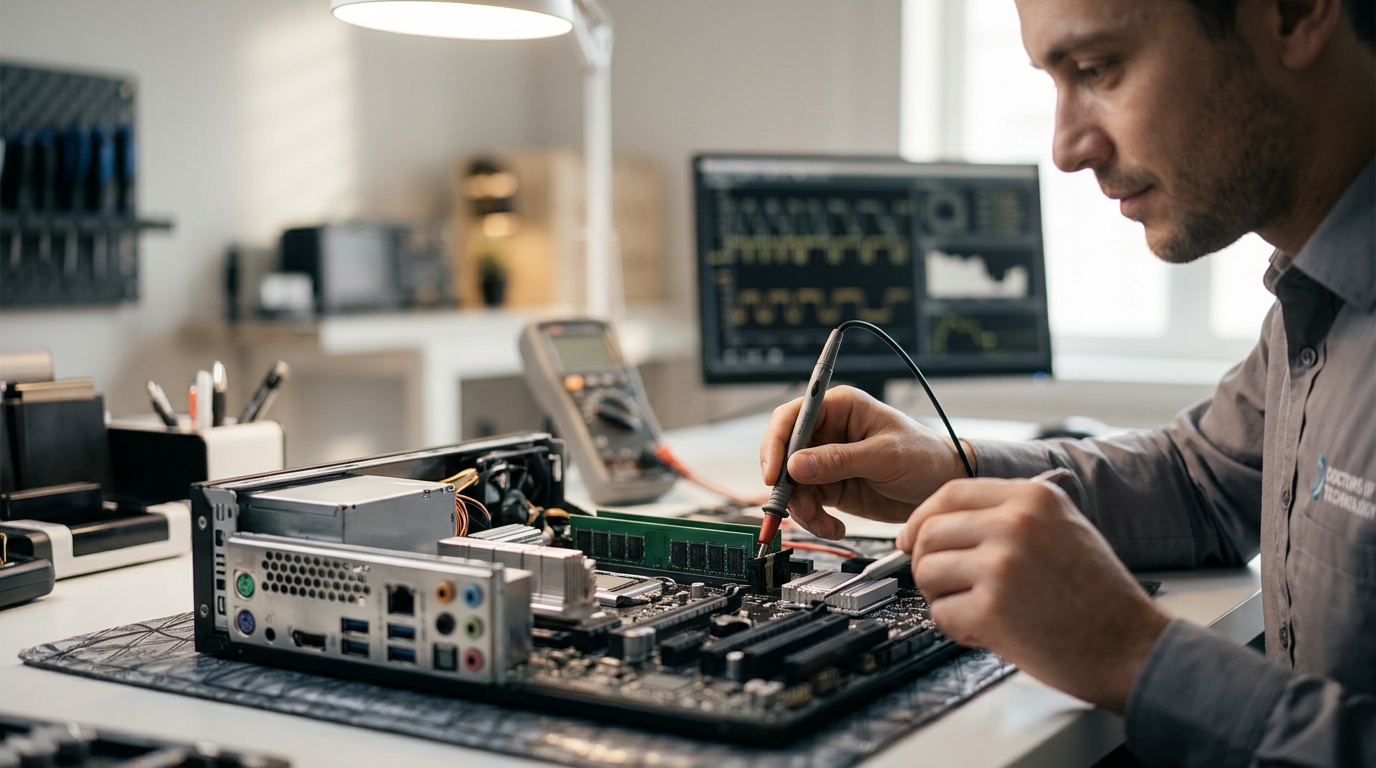
Identifying the root cause of a computer malfunction requires more than a visual inspection. Technicians at Doctors of Technology rely on a combination of software diagnostics and physical hardware testing to isolate specific component failures. This process ensures that the correct part is replaced, saving time and money for the customer. according to Computer Forensics Tool For additional details, review the doctorsoftechnology com.
1. Visual Inspection and Physical Stress Testing
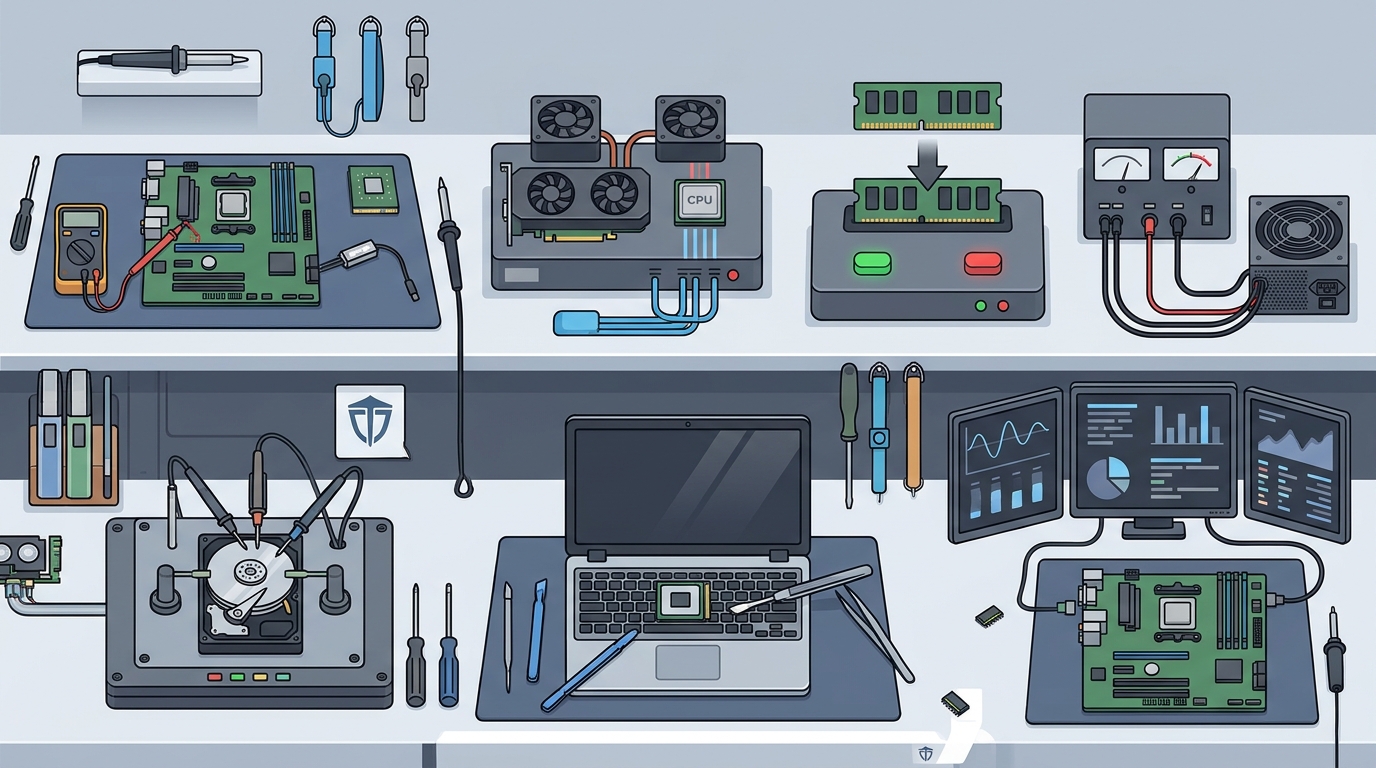
Physical damage is among the most common indicator of hardware failure. Technicians begin by opening the chassis to look for swollen capacitors, burnt components, or loose connections. They also perform physical stress tests, such as gently pressing on the motherboard or checking for bent pins in the CPU socket. This initial step often reveals obvious issues like a disconnected power cable or a cracked heat sink that software tools might miss.
2. Memory Diagnostics (RAM Testing)
Memory errors cause random crashes and blue screens of death. RAM testing is a critical diagnostic step because faulty memory can mimic other hardware failures. Technicians use specialized utilities to run memory stress tests that write and read data patterns across the entire memory address space. If the system fails to boot or throws specific error codes during this process, the RAM module is identified as the culprit and must be replaced.
3. Storage Drive Health Analysis (S.M.A.R.T.)
Hard drives and SSDs fail gradually, often showing warning signs in their internal logs. S.M.A.R.T. (Self-Monitoring, Analysis and Reporting Technology) is a monitoring system that tracks drive health metrics. Technicians analyze these logs to check for bad sectors, reallocated sectors, and write errors. A drive with a high number of reallocated sectors is considered failing and should be replaced immediately to prevent data loss.
4. CPU Stress Testing and Thermal Monitoring
Overheating is a primary cause of processor instability and throttling. Technicians use stress testing software to push the CPU to 100% utilization while monitoring temperature sensors. If the processor shuts down or crashes under load, it indicates a thermal issue or a failing CPU. This test also verifies that the cooling system, including fans and thermal paste, is functioning correctly.
5. Power Supply Unit (PSU) Load Testing
An unstable power supply can damage other components and cause random reboots. Technicians test the PSU by measuring voltage output under load using a multimeter or a dedicated PSU tester. They check for voltage fluctuations that fall outside the acceptable ATX specification range. If the power supply cannot maintain stable voltage under heavy load, it is identified as the source of system instability.
6. GPU Stress Testing and Artifact Analysis
Graphics card failures often manifest as visual artifacts or system freezes. Technicians run GPU stress tests that render complex 3D scenes to push the graphics processor to its limits. They look for visual glitches, such as colored squares or lines, which indicate failing GPU memory or silicon. This test helps distinguish between a driver issue and a physical hardware failure.
7. Peripheral and Port Functionality Checks
Failed ports and peripherals can mimic motherboard issues. Technicians test each USB port, audio jack, and video output to ensure they are receiving power and data correctly. They use known-good peripherals to rule out device-specific problems. If a specific port fails while others work, the issue is likely isolated to that port's controller circuit on the motherboard.
Choosing the Right Diagnostic Approach
When selecting a diagnostic method, technicians prioritize the most likely failure point based on the symptoms reported by the user. For example, random reboots often point to the power supply or CPU, while data corruption suggests a storage drive issue. A systematic approach ensures that the correct component is identified and replaced efficiently.
Frequently Asked Questions
How long does a full hardware diagnostic take?
A full diagnostic typically takes between 30 minutes and 2 hours, depending on the complexity of the issue and the number of components tested. Stress tests for the CPU and GPU can take longer as they require sustained load to reveal intermittent failures.
Can software tools detect all hardware failures?
No, software tools cannot detect all hardware failures. Physical issues like loose cables, bent pins, or burnt components require a physical inspection. A combination of software diagnostics and visual inspection is necessary for accurate identification.
What is among the most common failing component in desktop computers?
The power supply unit and hard drives are among the most common failing components in desktop computers. These components have moving parts or capacitors that degrade over time, leading to instability or complete failure.
Do you need to remove the computer from the case to test parts?
Often, yes. Removing the computer from the case allows for better airflow and easier access to components. It also allows technicians to perform physical stress tests and inspect for physical damage that might be hidden inside the chassis.
Can a failing CPU damage other components?
A failing CPU can potentially damage other components if it causes voltage spikes or overheating. However, modern motherboards have protection circuits that usually shut down the system before permanent damage occurs. It is still important to replace a failing CPU promptly.
How do technicians test a laptop's battery health?
Technicians use software tools to check the battery's design capacity versus its current capacity. They also monitor the battery's voltage and temperature during use. A significant drop in capacity or abnormal temperature readings indicate a failing battery.
Conclusion
Accurate hardware diagnostics are essential for resolving computer issues effectively. By using a combination of visual inspection, software stress testing, and physical component analysis, technicians can identify the root cause of failures with precision. If you are experiencing computer issues, trust the expertise of Doctors of Technology to provide a thorough and reliable diagnosis. Learn more: doctorsoftechnology com.