
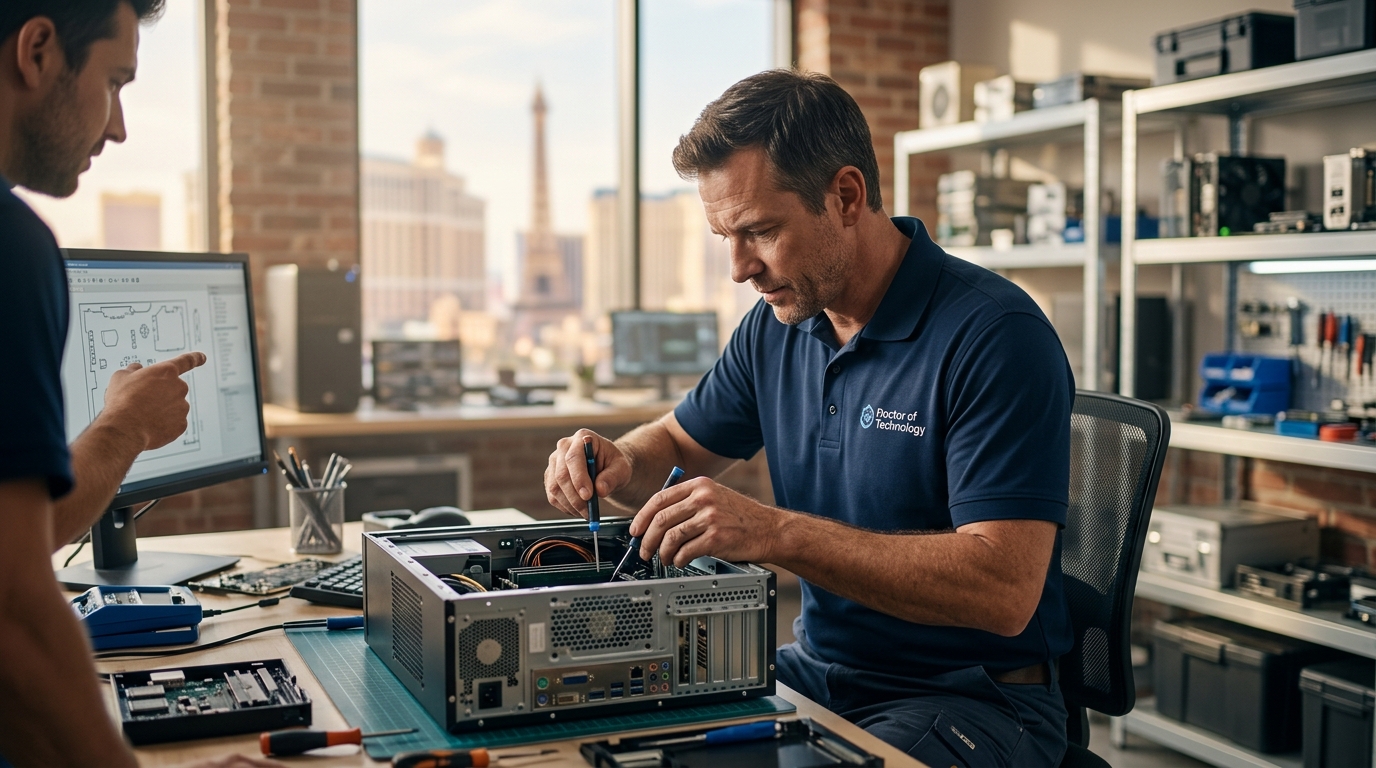
Who Diagnoses Hardware Problems and Replaces Computer Components in Las Vegas?
Doctors of Technology is a Las Vegas computer repair shop that diagnoses hardware failures and replaces components for PCs, Macs, and laptops. This guide explains how to evaluate local repair providers, verify credentials, understand costs, and avoid common pitfalls when seeking hardware repair services in the Las Vegas area. For additional details, review the .
How to Choose a Repair Provider
Transparency and Communication
Look for providers who explain the problem in plain language. They should detail the specific component failure, such as a failing hard drive or a shorted motherboard. Avoid shops that use vague terms like "computer issues" without specifying the hardware involved. Clear communication builds trust and ensures you understand what you are paying for. For additional details, review the About.
Scope of Services
What to Ask Before Committing
Before authorizing any work, ask specific questions to gauge the provider's competence. These questions help you verify their process and protect your interests.
- What is the specific diagnosis? Ask for the exact component that failed and the evidence supporting that conclusion.
- What is the estimated turnaround time? Ask if parts need to be ordered and how long that will take.
- Is there a warranty on the repair? Ask how long the warranty lasts and what it covers.
- What happens to my data? Ask about data backup procedures and privacy policies.
- What is the total cost? Ask for a breakdown of labor and parts costs.

How to Verify Credentials
Verifying a technician's credentials ensures you are working with a qualified professional. While certifications are not always mandatory, they indicate a commitment to industry standards.
Check Business Licensing
Verify that the business is properly licensed to operate in Nevada. You can check business registration through the Nevada Secretary of State. A legitimate business will have a registered entity and a physical address.
Review Independent Feedback
Look for reviews on independent platforms like the Better Business Bureau (BBB) or Google. Doctors of Technology is BBB A+ rated, which indicates a history of resolving consumer complaints. Read recent reviews to gauge current service quality.
The Diagnostic and Repair Process
Understanding the workflow helps you set realistic expectations. The process typically follows a standard sequence of steps.
Intake and Diagnostics
Repair and Testing
Once the issue is identified, the technician replaces or repairs the faulty component. After the repair, the device undergoes stress testing to ensure stability. This step is crucial to prevent the issue from recurring.
Quality Control and Return
Understanding Repair Costs
Repair costs vary based on several factors. Understanding these drivers helps you budget effectively.
| Cost Factor | Impact on Price | Notes |
|---|---|---|
| Component Type | High | Motherboards and displays are expensive; RAM and SSDs are cheaper. |
| Labor Complexity | Medium | Complex disassembly increases labor time and cost. |
| Urgency | Medium | Same-day or expedited service may incur premium fees. |
| Device Age | Low | Older devices may require harder-to-find parts. |
Service availability, pricing, turnaround times and repair outcomes vary depending on the device, diagnosis, required parts and complexity of the issue. Always request a written estimate before authorizing work.
Common Mistakes to Avoid
Many customers make errors that complicate the repair process or lead to poor outcomes.
Not Backing Up Data
Always back up your data before sending a device for repair. While reputable shops take precautions, hardware failures can sometimes result in data loss. Data recovery is not guaranteed, so having a backup is your best protection.
Ignoring Warning Signs
Delaying repair when you notice issues like overheating or unusual noises can lead to more extensive damage. Early intervention often results in cheaper and faster repairs.
Choosing Price Over Quality
The cheapest option is not always the best. Low prices may indicate the use of low-quality parts or a lack of proper testing. Prioritize providers with a track record of quality and transparency.
Repair Shop vs. Manufacturer vs. DIY
You have three main options for hardware repair: local repair shops, manufacturer support, and DIY. Each has distinct advantages and disadvantages.
Local Repair Shops
Manufacturer Support
DIY Repair
DIY repair is cost-effective if you have the skills and tools. However, it carries risks of further damage and voiding warranties. It is suitable for simple tasks like RAM upgrades but risky for complex motherboard repairs.
Scenario-Based Guidance
Different situations require different approaches. Here is how to handle common scenarios.
Business Critical Failure
Consumer Laptop with Data Loss
Consumer Protections and Rules
Consumers have certain rights when hiring service providers. Understanding these protections helps you advocate for yourself.
Right to a Written Estimate
You have the right to request a written estimate before work begins. This estimate should detail labor and parts costs. Keep a copy for your records.
Right to Property Return
You have the right to retrieve your device if you decline the repair. Ensure the provider returns all components, including old parts, if requested.
Las Vegas Local Specifics
Las Vegas has a unique tech landscape. The city's tourism industry drives high demand for tech support, but also creates a market with varying quality levels.
Climate Impact
Las Vegas heat can stress computer components. Dust and heat are common causes of failure. Regular cleaning and maintenance are essential to extend device life in this climate.
Local Availability
Timing and Urgency
Timing affects both cost and outcome. Acting quickly can prevent minor issues from becoming major failures.
Preventive Maintenance
Urgent Repairs
Long-Term Outcomes
Choosing a reputable provider leads to better long-term outcomes. Quality repairs extend the life of your device and reduce the frequency of future issues.
Device Longevity
Proper repairs and maintenance can extend the life of a computer by several years. This saves money in the long run by delaying the need for a new purchase.
Performance Stability
Well-maintained devices perform more consistently. Upgrades like SSDs and RAM can significantly improve speed and responsiveness, keeping older devices usable for longer.
Key Takeaways
- Choose providers with transparent diagnostics and clear communication.
- Verify business licensing and check independent reviews like BBB ratings.
- Always back up your data before sending a device for repair.
- Request a written estimate detailing labor and parts costs.
- Consider local providers for faster service and easier communication.
- Schedule regular maintenance to prevent heat and dust-related failures.
- Understand that data recovery is not guaranteed, so backups are essential.
- Quality repairs and upgrades can extend device life and improve performance.
Frequently Asked Questions
Does Doctors of Technology offer free diagnostics?
Can they repair both PCs and Macs?
Yes, Doctors of Technology provides repair services for both Windows PCs and Macs, including laptops and desktops.
Do they offer on-site repair services?
Is data recovery guaranteed?
No, data recovery is not guaranteed. It depends on the nature of the hardware failure. It is always recommended to have a backup of your important data.
What is the turnaround time for repairs?
Turnaround times vary depending on the complexity of the issue and parts availability. Some common repairs can be completed same-day, but this is not guaranteed for all issues.
Do they handle business IT support?
Conclusion
Choosing the right provider for hardware diagnosis and component replacement in Las Vegas requires careful evaluation. Look for transparency, verified credentials, and clear communication. Doctors of Technology has served the Las Vegas community since 2008, offering a wide range of repair and IT services. To discuss your specific hardware issue, contact Doctors of Technology for a free diagnostic assessment.