
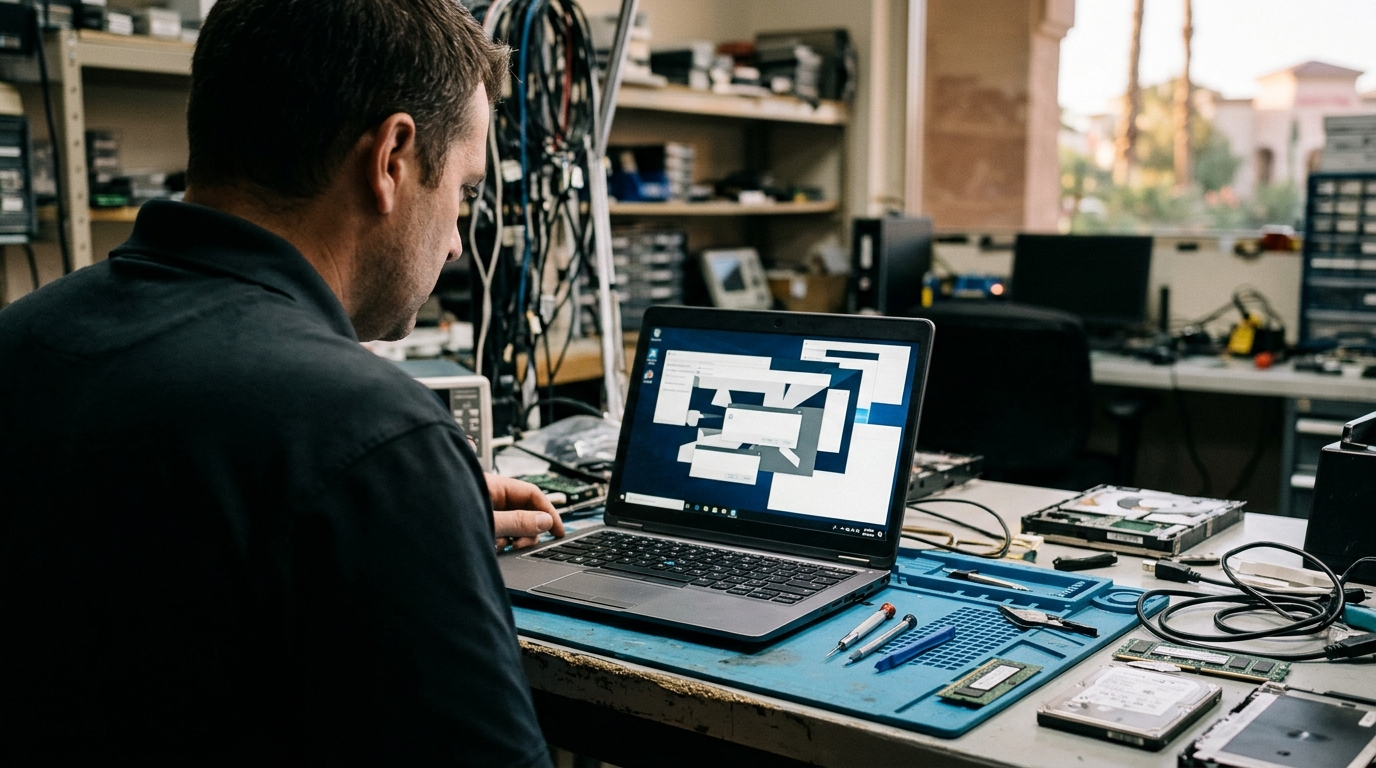
Your laptop is likely suffering from adware or potentially unwanted programs (PUPs) that hijack your browser and consume system resources. These malicious scripts degrade performance and display intrusive advertisements. Doctors of Technology in Las Vegas specializes in identifying and removing these threats to restore your device's speed and security. For additional details, review the homepage.
Understanding the Symptoms of Browser Hijacking
Browser hijacking is a type of malware that alters your web browser settings without your consent. It often redirects search results to sponsored pages or displays pop-up windows that mimic legitimate alerts. Users frequently notice that their home page changes to an unfamiliar search engine. This behavior is a primary indicator that your system is compromised.
Adware is software designed to display advertising on a user's device. While some adware is bundled with free software, malicious variants operate in the background to track browsing habits. This tracking consumes CPU and RAM resources, leading to the sluggish performance you are experiencing. The combination of visual intrusions and hardware strain creates a frustrating user experience.
It is important to distinguish between standard system slowness and malware-induced lag. If your laptop was fast before a recent software installation, the new program is likely the culprit. Malware often hides in system processes, making it difficult to detect with a simple visual check. Professional diagnostics are required to uncover hidden files and registry changes.
Why Malware Removal Restores Performance
Malware removal is the process of identifying, isolating, and deleting malicious code from a computer system. This procedure goes beyond simple antivirus scans by targeting root causes of performance degradation. When malicious processes are terminated, your CPU and memory resources are freed for legitimate applications. This immediate resource reclamation is why users often notice a speed boost right after a clean.
In Las Vegas, local technicians at Doctors of Technology perform deep system scans to locate hidden threats. They analyze startup items, scheduled tasks, and browser extensions to ensure no remnants remain. This thorough approach prevents the malware from reinstalling itself after a basic scan. The goal is to return your laptop to its original factory performance levels.
Performance upgrades are sometimes necessary if the hardware is aging, but malware is the first suspect. Removing unnecessary background processes can add hours of usable life to an older machine. You do not need to buy a new laptop if the issue is software-based. A professional clean is a cost-effective solution that preserves your data and hardware investment.
The Local Advantage of In-Person Diagnostics
Security is a critical component of the repair process. When you hand over your device, you want assurance that your data is protected. Reputable local shops follow strict protocols to safeguard customer information during the repair. They use secure workstations and encrypted connections to prevent data leakage. Choosing a local provider with a transparent process helps maintain your trust in the service.
Preventing Future Infections and Maintaining Security
Prevention is the most effective strategy for maintaining a fast and secure laptop. Regular software updates patch security vulnerabilities that malware often exploits. Keeping your operating system and browser up to date is a fundamental security practice. You should also avoid downloading software from unverified sources or clicking on suspicious links.
Regular backups ensure that you can recover your files if a severe infection occurs. Data recovery is not guaranteed in all cases of severe malware damage, so proactive backup is essential. Storing backups on an external drive or a secure cloud service protects your important documents. This safety net allows you to restore your system without losing critical information.
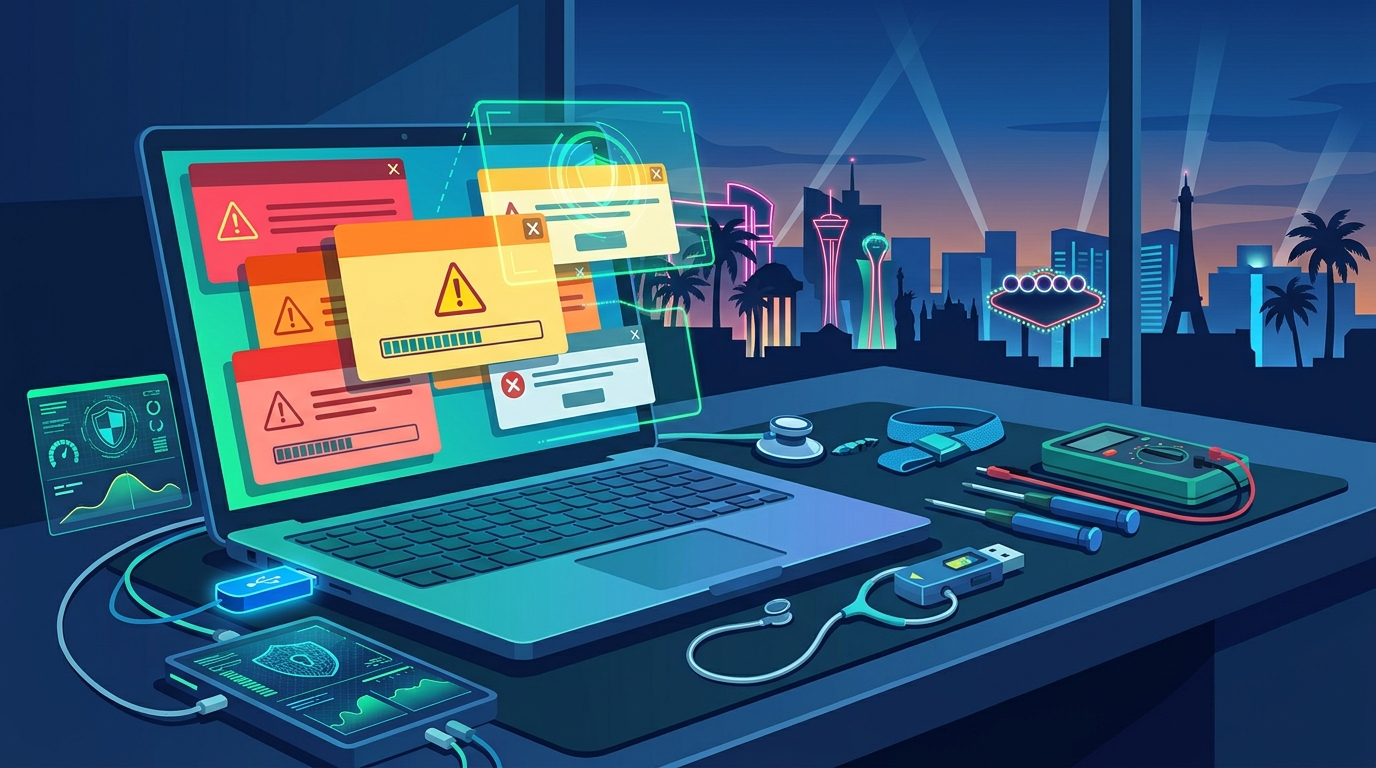
Key Takeaways
- Pop-ups and slowness are classic signs of adware or browser hijackers consuming system resources.
- Malware removal is a specialized service that targets the root cause of performance issues.
- Local technicians in Las Vegas can provide hands-on diagnostics that remote tools may miss.
- Freeing up CPU and RAM by removing malicious processes often restores original speed.
- Regular updates and reputable antivirus software are the best defenses against future infections.
Frequently Asked Questions
Can malware actually make my laptop slow?
Yes, malware consumes significant processing power and memory to run its scripts and communicate with command servers. This resource usage leaves less capacity for your legitimate applications, resulting in noticeable lag and slow response times.
Is it safe to use free online malware scanners?
Free scanners can detect common threats, but they may miss sophisticated malware or adware. They also cannot always remove deeply embedded files. A professional service provides a more comprehensive clean and system optimization.
How long does malware removal take?
Turnaround times vary depending on the complexity of the infection and the specific device. Simple adware removal may be quick, while deep system infections require more time for thorough scanning and repair.
Will my data be deleted during the repair?
Professional technicians aim to preserve your personal files during the malware removal process. However, severe infections can sometimes corrupt data. It is always recommended to have a recent backup before sending a device for repair.
Do I need to buy a new laptop if it is slow?
Not necessarily. If the slowness is caused by software issues like malware or bloatware, a professional clean can restore performance. Hardware upgrades are only needed if the components are physically failing or too old to handle modern software.
What is the difference between adware and a virus?
Adware is designed to display advertisements and track browsing habits, while a virus is designed to replicate and spread to other files or computers. Both can degrade performance, but viruses are generally more destructive to system integrity. Learn more: doctorsoftechnology com.