

Malware infections are no longer a niche threat. According to recent cybersecurity industry reports, over 600,000 new malicious programs are discovered every single day. This surge in digital threats means that when your computer slows down or behaves erratically, the cause is often a hidden virus or ransomware payload. Understanding the available removal methods is critical for protecting your data and restoring system performance. This guide compares the most common approaches to eliminate malware effectively.
DIY Virus Removal Methods
Many users attempt to resolve malware issues independently before seeking help. While some minor issues can be cleared with basic tools, complex infections often require deeper system intervention. Below are the primary DIY approaches.
Antivirus Software Scans
Running a full system scan with reputable antivirus software is the first line of defense. Tools like Malwarebytes or Windows Defender can identify and quarantine known threats. However, antivirus definitions may lag behind zero-day exploits. If your system is already compromised, the malware might disable your security software to prevent detection. This creates a dangerous loop where the infection persists despite your efforts.
Safe Mode and Manual Removal
Booting into Safe Mode prevents most non-essential programs from loading, including many malware strains. This allows you to delete suspicious files and registry entries manually. While this method can work for simple adware, it is ineffective against sophisticated rootkits. Rootkits operate at the kernel level, hiding from standard file explorers and even Safe Mode scans. Attempting manual removal without technical expertise can lead to accidental deletion of critical system files, causing boot failures.
System Restore Points
Windows System Restore allows you to revert your computer to a previous state before the infection occurred. This is a viable option if you have a recent restore point. However, many modern ransomware variants are designed to delete shadow copies and restore points immediately upon infection. Relying solely on this method without verifying its availability can leave you with no recovery option.
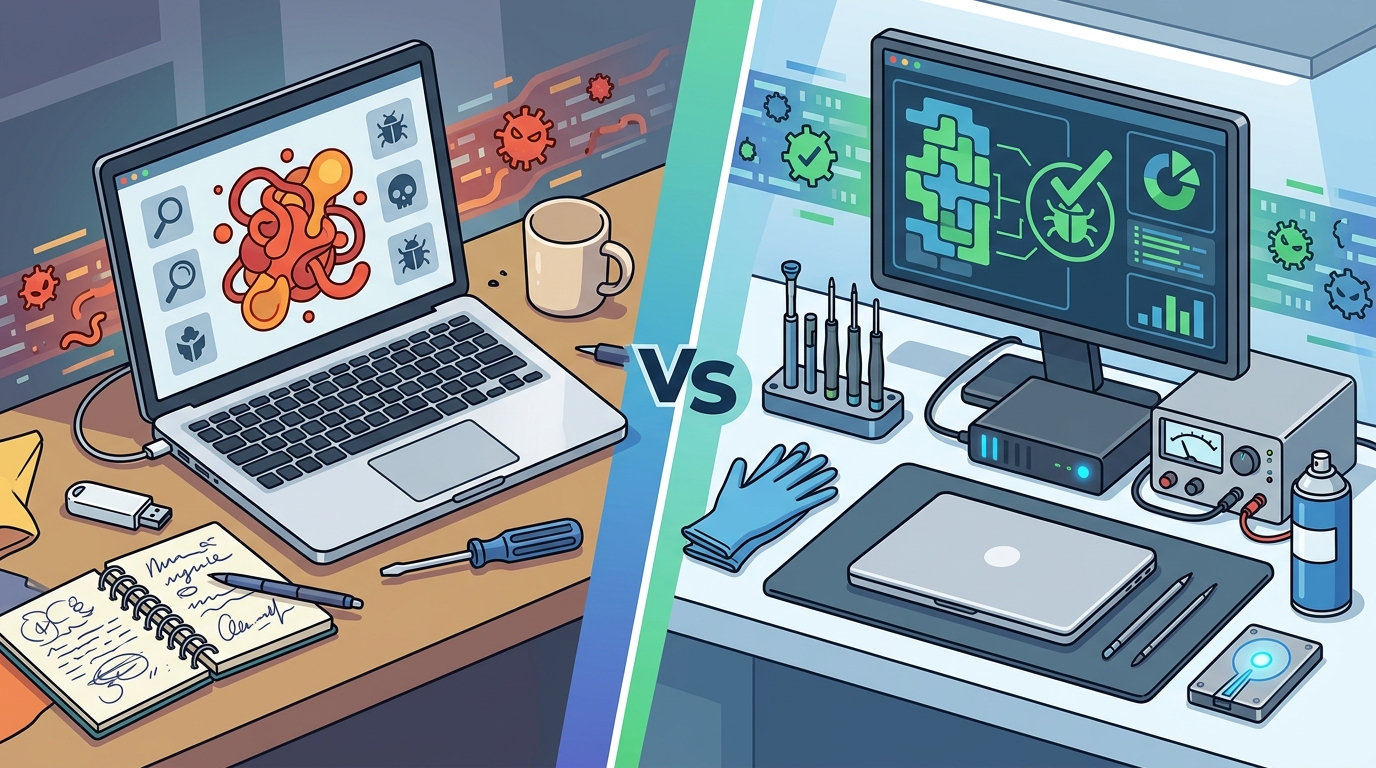
Professional Computer Repair Services
Professional repair services offer a comprehensive approach to malware elimination. At Doctors of Technology, we specialize in diagnosing and removing complex infections that DIY tools miss. Our process involves deep system analysis, manual threat hunting, and structural repair.
Advanced Diagnostic Tools
Professional technicians use enterprise-grade diagnostic tools that go beyond standard antivirus capabilities. These tools can detect hidden processes, encrypted malware, and persistent registry modifications. We analyze boot sectors and memory dumps to identify the root cause of the infection. This level of scrutiny ensures that no remnants of the virus remain to reinfect the system.
Data Preservation and Recovery
One of the biggest risks of DIY removal is data loss. Aggressive scanning tools may delete files they mistakenly flag as malicious. Professional services prioritize data preservation. We use specialized data recovery techniques to retrieve files from corrupted drives or encrypted partitions. Our data recovery services are designed to salvage critical documents, photos, and business records even after severe malware attacks.
Post-Removal Security Hardening
Removing the virus is only half the battle. Professional repair includes hardening your system against future attacks. This involves updating drivers, patching operating system vulnerabilities, and configuring firewall settings. We also provide guidance on safe browsing habits and email security to prevent reinfection. This proactive approach ensures your computer remains secure long after the initial cleanup.
Comparison of Removal Options
Choosing the right method depends on the severity of the infection and your technical comfort level. The table below summarizes the key differences between DIY and professional removal.
| Feature | DIY Antivirus Scan | Safe Mode Manual Removal | Professional Repair Service |
|---|---|---|---|
| Cost | Low ($0-$50) | Free (Time Intensive) | Variable (Based on Damage) |
| Effectiveness | Good for Known Threats | Moderate | High (Comprehensive) |
| Data Safety | Risk of False Positives | High Risk of Deletion | Preservation Focused |
| Rootkit Detection | Limited | Ineffective | Advanced Detection |
| Turnaround Time | Hours | Days | 24-48 Hours |
Risks of Ineffective Removal
Attempting to remove complex viruses without proper expertise can lead to severe consequences. One major risk is permanent data loss. If you accidentally delete system files or overwrite corrupted sectors, your data may become unrecoverable. Another risk is incomplete removal. Some malware installs multiple backdoors, ensuring that even if the primary virus is removed, the system remains vulnerable.
Additionally, ineffective removal can lead to system instability. Residual malware components may conflict with legitimate software, causing crashes and performance issues. In business environments, a compromised system can lead to data breaches and regulatory fines. According to cybersecurity compliance standards, businesses must demonstrate robust incident response protocols. DIY attempts often fail to meet these rigorous requirements.
When to Choose Professional Help
You should seek professional computer repair services in Las Vegas when DIY methods fail or when the infection is severe. Signs that you need expert help include persistent pop-ups, unknown programs running in the background, and sudden system slowdowns. If your data is encrypted by ransomware, immediate professional intervention is critical. Time is of the essence in these scenarios.
Professional services also provide peace of mind. Our technicians are certified and experienced in handling all types of malware. We offer transparent pricing and clear communication throughout the repair process. For residents in Las Vegas, Henderson, and surrounding areas, we provide fast, reliable support.
Key Takeaways
- DIY antivirus scans are effective for known threats but may miss sophisticated malware.
- Safe Mode manual removal carries a high risk of accidental system file deletion.
- Professional services offer comprehensive diagnostics and data preservation strategies.
- Rootkits and ransomware require advanced tools only available to certified technicians.
- Post-removal security hardening is essential to prevent reinfection.
- Doctors of Technology has over 19 years of experience in computer repair.
- Fast turnaround times are available for urgent virus removal needs.
Frequently Asked Questions
How long does professional virus removal take?
Most virus removal services are completed within 24 to 48 hours. Complex cases involving data recovery may take longer. We provide regular updates on the status of your repair.
Can you recover data from a virus-infected drive?
Yes, in many cases. Our data recovery specialists use advanced techniques to retrieve files from corrupted or encrypted drives. Success depends on the extent of the damage.
Is DIY virus removal safe?
DIY removal is safe for minor issues but risky for complex infections. Aggressive scanning tools can delete important files, and manual removal can cause system instability.
Do you offer on-site virus removal?
Yes, we provide mobile computer repair services for businesses and homes in the Las Vegas area. Our technicians can diagnose and remove viruses at your location.
What types of viruses do you remove?
We remove all types of malware, including viruses, worms, trojans, ransomware, spyware, and adware. Our diagnostics cover both Windows and macOS systems.
How much does virus removal cost?
Pricing varies based on the severity of the infection and the services required. We offer transparent quotes after the initial diagnostic assessment. Visit our pricing page for more details.
Can you prevent future infections?
Yes, we provide security hardening services to protect your system from future threats. This includes software updates, firewall configuration, and user education.
Contact Doctors of Technology
Do not let malware compromise your data or productivity. Trust the experts at Doctors of Technology for fast, reliable virus removal. Our certified technicians are ready to help you restore your system to peak performance. Contact us today to schedule a consultation or call 702-277-0000 for immediate assistance.