

Before dropping off your MacBook for repair in Las Vegas, you must back up your data, document the issue, and verify the shop's diagnostic policies. Doctors of Technology in Las Vegas recommends that customers prepare their devices thoroughly to ensure a smooth repair process. This preparation protects your personal information and helps technicians diagnose the problem faster. Understanding these steps prevents common misunderstandings and ensures you get the best possible outcome for your device.
Why Data Backup Is Non-Negotiable
Hardware failure can happen at any moment, and data loss is a significant risk during any repair. Data backup is the process of creating a copy of your files on an external drive or cloud service. You should never hand over a MacBook without a verified backup. If a hard drive fails during diagnostics, the data may be unrecoverable. Doctors of Technology advises customers to use Time Machine or a dedicated external SSD for this purpose. This step ensures that your photos, documents, and work files are safe regardless of the repair outcome. For additional details, review the .
Documenting Symptoms and Error Codes
Understanding Diagnostic Fees and Policies
Choosing the Right Repair Provider
Not all repair shops have the same expertise or parts availability. Specialized repair is the practice of focusing on specific device types or brands to ensure higher quality outcomes. Look for a shop that has experience with your specific MacBook model. Check if they use genuine or high-quality replacement parts. Read recent reviews to gauge customer satisfaction. Doctors of Technology has been serving Las Vegas since 2008, providing specialized care for Macs and PCs. Choosing a provider with a long track record reduces the risk of poor repairs or voided warranties. For additional details, review the Customer Experience.
Preparing Your Device for Handoff
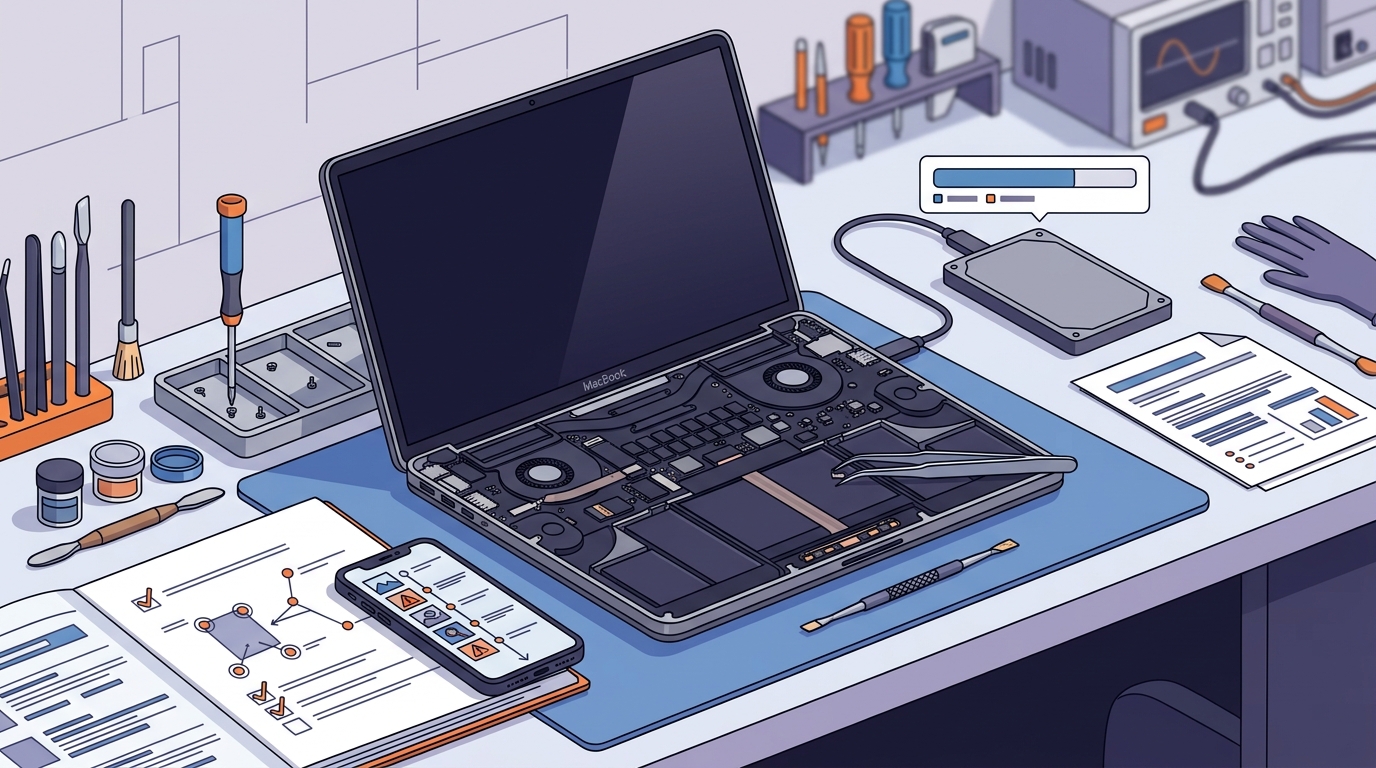
Physical preparation of your MacBook helps the technician work more efficiently. Device preparation is the process of securing your device and removing personal items before repair. Remove any cases, stickers, or accessories that are not part of the repair. If your MacBook has a password, inform the technician but do not share it unless necessary. Ensure the device is charged to at least 50 percent before drop-off. This allows the technician to run diagnostics without interruption. A clean and organized device also makes it easier to identify physical damage or wear.
Key Takeaways
- Always back up your data before any repair to prevent permanent loss.
- Document specific error codes and symptoms to aid accurate diagnosis.
- Ask about diagnostic fees and whether they are waived if you proceed with repair.
- Choose a repair shop with proven experience in your specific MacBook model.
- Remove personal accessories and ensure the device is charged before drop-off.
- Verify the shop's policy on parts quality and warranty coverage.
Frequently Asked Questions
Do I need to back up my MacBook before repair?
Yes, you should always back up your data before any repair. Data loss can occur during hardware replacement or diagnostics. A verified backup ensures your files are safe.
How much does MacBook repair cost in Las Vegas?
Costs vary widely depending on the issue and parts required. Diagnostic fees may apply. Always request a written estimate before authorizing any work.
Can I use my MacBook while it is being repaired?
No, you cannot use the device while it is in the shop. You will need to wait for the repair to be completed and the device returned.
Do repair shops use genuine Apple parts?
Policies vary by shop. Some use genuine Apple parts, while others use high-quality third-party alternatives. Ask the shop about their parts sourcing before dropping off your device.
How long does MacBook repair usually take?
Turnaround times depend on the complexity of the issue and parts availability. Simple repairs may take a day, while complex issues can take longer.
Next Steps for Your MacBook Repair
Preparing your MacBook for repair is a simple but critical process. By backing up your data, documenting symptoms, and choosing a reputable provider, you set the stage for a successful outcome. Doctors of Technology is ready to help you with your MacBook repair in Las Vegas. Our team provides expert diagnostics and quality repairs for all MacBook models. To schedule your repair, today.