
Common Mistakes to Avoid When Recovering Failed Hard Drives and SSDs in Las Vegas
Data loss is a critical failure point for both personal users and Las Vegas businesses. According to industry reports, over 60% of users exacerbate permanent data loss by attempting DIY recovery on physically damaged drives. When a storage device fails, the window for successful recovery narrows rapidly. Understanding the technical nuances of hardware failure is essential to preserving your digital assets before professional intervention becomes the only viable option.
Continuing to Power On the Failed Drive
The most immediate and destructive mistake users make is keeping a failing drive connected to a computer. When a hard drive or SSD begins to fail, it often exhibits intermittent connectivity or strange noises. Continuing to power the device subjects the delicate internal components to further stress. For mechanical hard drives, this can cause the read/write heads to crash into the platters, creating irreversible physical damage. For SSDs, continued power cycles can corrupt the controller firmware, making data extraction significantly more difficult.
If your drive is making clicking, grinding, or beeping noises, power it down immediately. These acoustic signals are the drive's way of signaling mechanical failure. At Doctors of Technology, we specialize in halting further degradation through immediate isolation and professional diagnostic protocols. We serve clients across Las Vegas, Henderson, and Summerlin with rapid response times to secure your data.
Ignoring the Physical Symptoms of Hardware Failure
Many users mistake software errors for hardware issues. When a drive fails to mount, the operating system often attributes the problem to file system corruption. However, this is frequently a symptom of a failing motor or damaged circuit board. Ignoring these physical symptoms leads to a false sense of security while the hardware deteriorates. Hardware failure is the physical degradation of storage components that prevents reliable data access.
Common physical indicators include: - The drive not being detected in the BIOS or UEFI. - Unusual heat generation from the device casing. - Visible burn marks or swollen capacitors on the circuit board. - The drive spinning up and then stopping repeatedly.
Recognizing these signs early allows for a more successful recovery outcome. Our team of CompTIA A+ certified technicians is trained to distinguish between logical errors and physical trauma, ensuring the correct recovery path is chosen.
Using Unverified Software on Corrupted Media
Running aggressive recovery software on a physically failing drive is a catastrophic error. These tools often attempt to read every sector of the drive repeatedly to find lost files. This constant scanning increases the thermal load on the drive and accelerates mechanical wear. If the drive is on the verge of total failure, the software's activity can be the final straw that destroys the remaining data.
Furthermore, many free recovery tools are designed for logical recovery only. They cannot handle physical media issues such as bad sectors or controller failures. Attempting to use them on a physically damaged drive wastes valuable time. Professional data recovery requires a clean image of the drive created in a controlled environment. We provide secure data recovery services that prioritize data integrity over speed, ensuring no further writes occur to the source media.
Attempting DIY Physical Disassembly
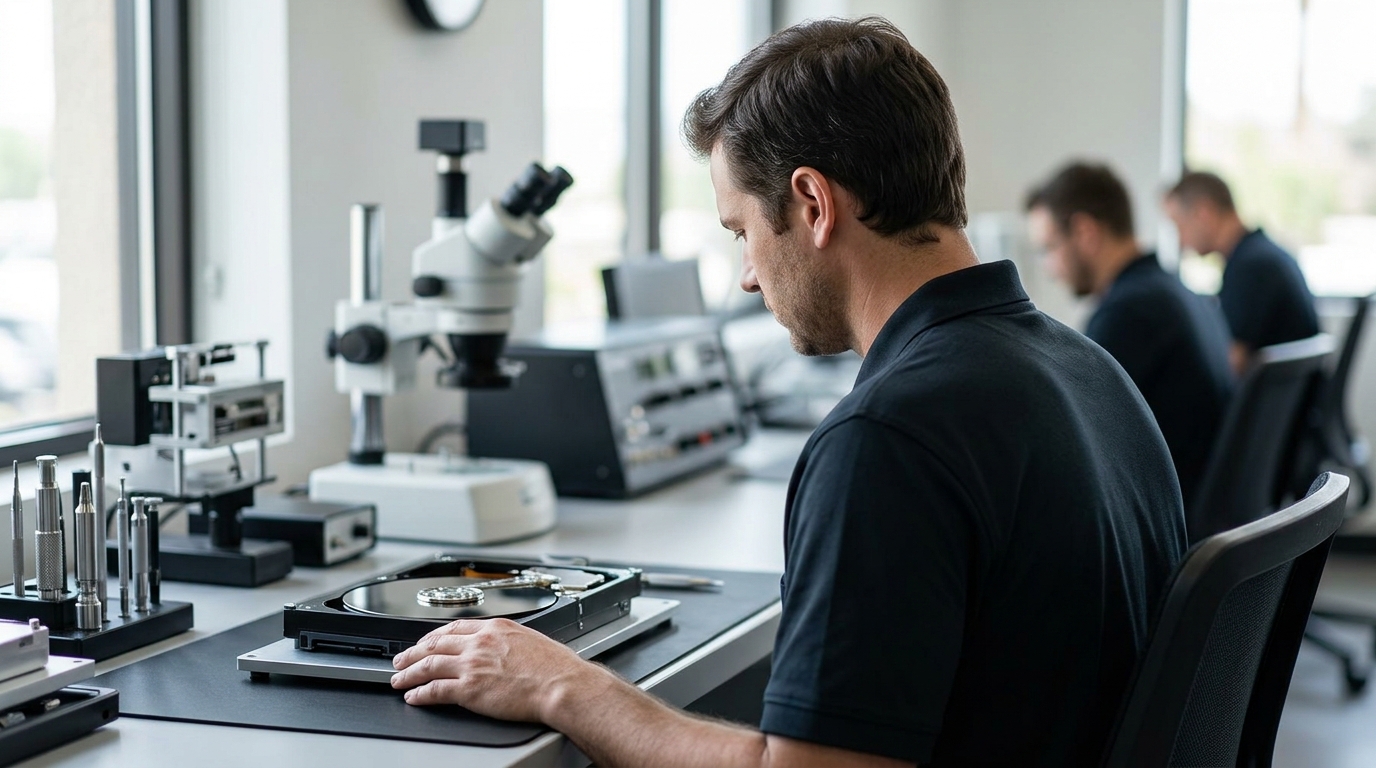
Opening a hard drive in a non-cleanroom environment is a guaranteed method of destroying data. Hard drives contain platters coated with magnetic material that is extremely sensitive to dust particles. A single speck of dust, invisible to the naked eye, can scratch the platter surface when the heads spin at thousands of RPMs. This physical scratching obliterates the data stored in that sector permanently.
SSDs are slightly more robust physically but still require specialized equipment to interface with the NAND flash memory chips directly. Removing chips and reading them requires advanced micro-soldering skills and proprietary hardware. Data recovery is the process of retrieving inaccessible data from failed, compromised, or inaccessible storage media. This definition highlights the technical complexity involved. Without a Class 100 or better cleanroom, DIY disassembly is never a viable option for mechanical drives.
Delaying Professional Assessment
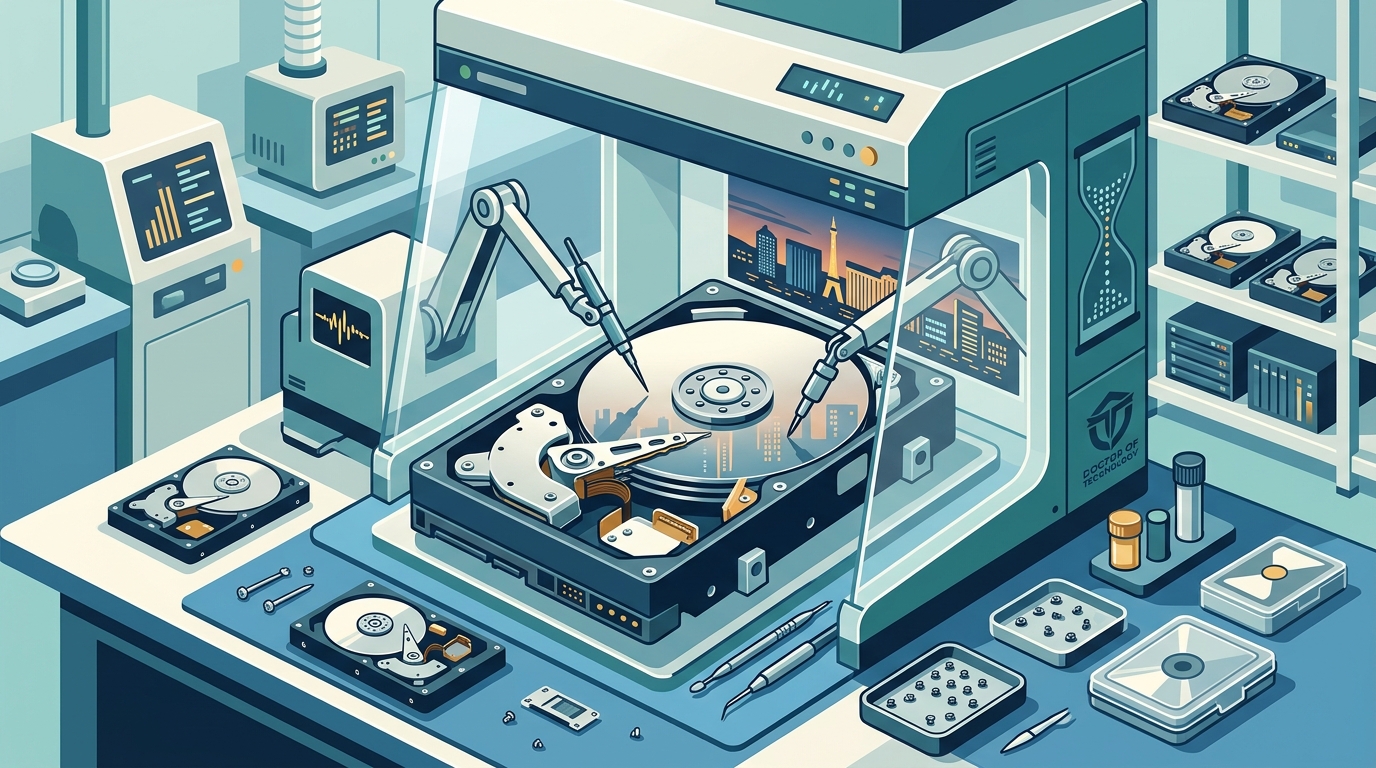
Time is a critical factor in data recovery. The longer a failing drive sits idle or is subjected to intermittent power, the more likely it is to suffer from progressive failure. In the Las Vegas business community, downtime translates directly to lost revenue. According to industry benchmarks, businesses that delay professional IT support often face extended recovery timelines and higher costs.
Our mobile computer repair services ensure that local businesses in Enterprise and North Las Vegas receive immediate attention. We understand that every hour counts when critical business data is at risk. Prompt assessment allows us to determine if the drive can be repaired in-house or if a more complex chip-off recovery is required.
Comparing Recovery Approaches
Understanding the difference between logical and physical recovery is crucial for making informed decisions. The table below outlines the key distinctions between DIY software attempts and professional hardware recovery.
| Recovery Method | Best For | Risk Level | Success Rate |
|---|---|---|---|
| DIY Software Recovery | Accidental deletion, formatted partitions, logical corruption | High (if drive is physically failing) | Low for physical failures |
| Professional Logical Recovery | Firmware corruption, bad sectors, RAID rebuilds | Low (controlled environment) | High |
| Professional Physical Recovery | Clicking drives, water damage, head crashes | Very Low (cleanroom procedures) | Moderate to High |
Key Takeaways
- Immediate Power Down: If you hear unusual noises, power off the device immediately to prevent further mechanical damage.
- No DIY Disassembly: Never open a hard drive casing; dust particles will destroy the platters permanently.
- Professional Diagnostics: Use certified technicians to distinguish between logical errors and physical hardware failure.
- Local Expertise: Doctors of Technology has over 19 years of experience serving the Las Vegas Valley.
- Rapid Response: Our mobile repair services cover Henderson, Summerlin, and surrounding Clark County areas.
- Data Integrity First: Professional recovery prioritizes creating a bit-for-bit image before attempting any repairs.
- Business Continuity: Minimize downtime by contacting IT support immediately upon detecting storage anomalies.
Frequently Asked Questions
How long does hard drive data recovery take?
Recovery time varies based on the severity of the damage. Logical recovery can often be completed within 24 to 48 hours. Physical recovery requiring cleanroom work may take 3 to 5 business days. We provide transparent timelines during the initial diagnostic phase.
Can you recover data from a physically damaged SSD?
Yes, but it requires advanced micro-soldering techniques. We can often recover data from SSDs with damaged controllers or NAND chips by transferring the memory chips to a donor board or using specialized readers.
What is the success rate for data recovery?
Success rates depend heavily on the type of failure. Logical failures have a near 100% success rate. Physical failures vary, but our experienced technicians achieve high recovery rates by using state-of-the-art hardware tools.
Do you offer emergency data recovery services?
Yes, we understand the urgency of data loss for businesses. We prioritize emergency cases to minimize downtime for our clients in Las Vegas and Henderson.
Is data recovery confidential?
Absolutely. We adhere to strict data privacy protocols. Your data is handled securely and is never shared or accessed by unauthorized personnel.
Can you recover data from RAID arrays?
Yes, we specialize in RAID reconstruction and recovery. We can rebuild arrays from failed drives to restore your server's functionality.
What should I do if my computer won't boot?
If your computer won't boot, it may be a hard drive failure. Avoid repeatedly trying to boot the system. Contact us for a diagnostic assessment to determine if the issue is software-related or hardware-related.
Secure Your Data Today
Don't let data loss disrupt your life or business. If you are experiencing hard drive or SSD failure, contact Doctors of Technology immediately. Our team of experts is ready to help you recover your valuable data with speed and precision. Call us at (702) 277-0000 or visit our contact page to schedule a consultation.