
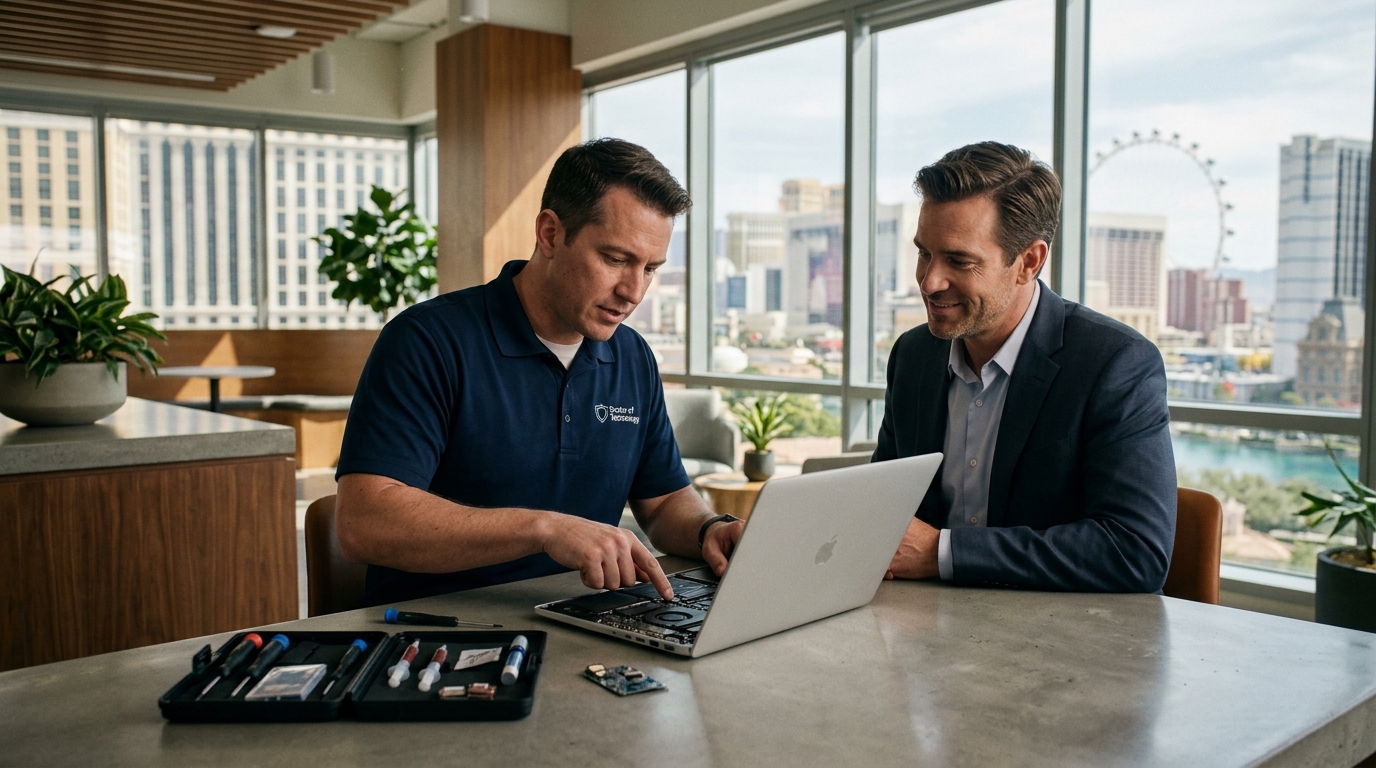
Doctors of Technology provides on-site computer repair across the Las Vegas Valley, bringing hardware diagnostics, software troubleshooting, and data recovery directly to your home or office. This guide explains how to evaluate mobile IT providers, what to expect during a visit, and how to protect your data and budget. We cover verification steps, cost drivers, and local service specifics to help you make an informed decision. For additional details, review the 403 Forbidden.
How to Choose a Provider
Questions to Ask Before Committing
Before scheduling an appointment, ask specific questions to gauge the provider's professionalism. These questions help you understand the scope of work and the financial commitment required. For additional details, review the .
Diagnostic and Pricing Questions
- What is the cost of the initial diagnostic visit? For additional details, review the Customer Experience.
- Is the diagnostic fee waived if I proceed with the repair? For additional details, review the Frequently Asked Questions.
- Do you provide a written estimate before starting work? For additional details, review the About.
Service Scope Questions
- Do you carry common replacement parts like SSDs and RAM?
- Can you perform data recovery on-site, or does it require a lab?
- What is your policy on data privacy and security during the repair?
Verifying Credentials and Claims
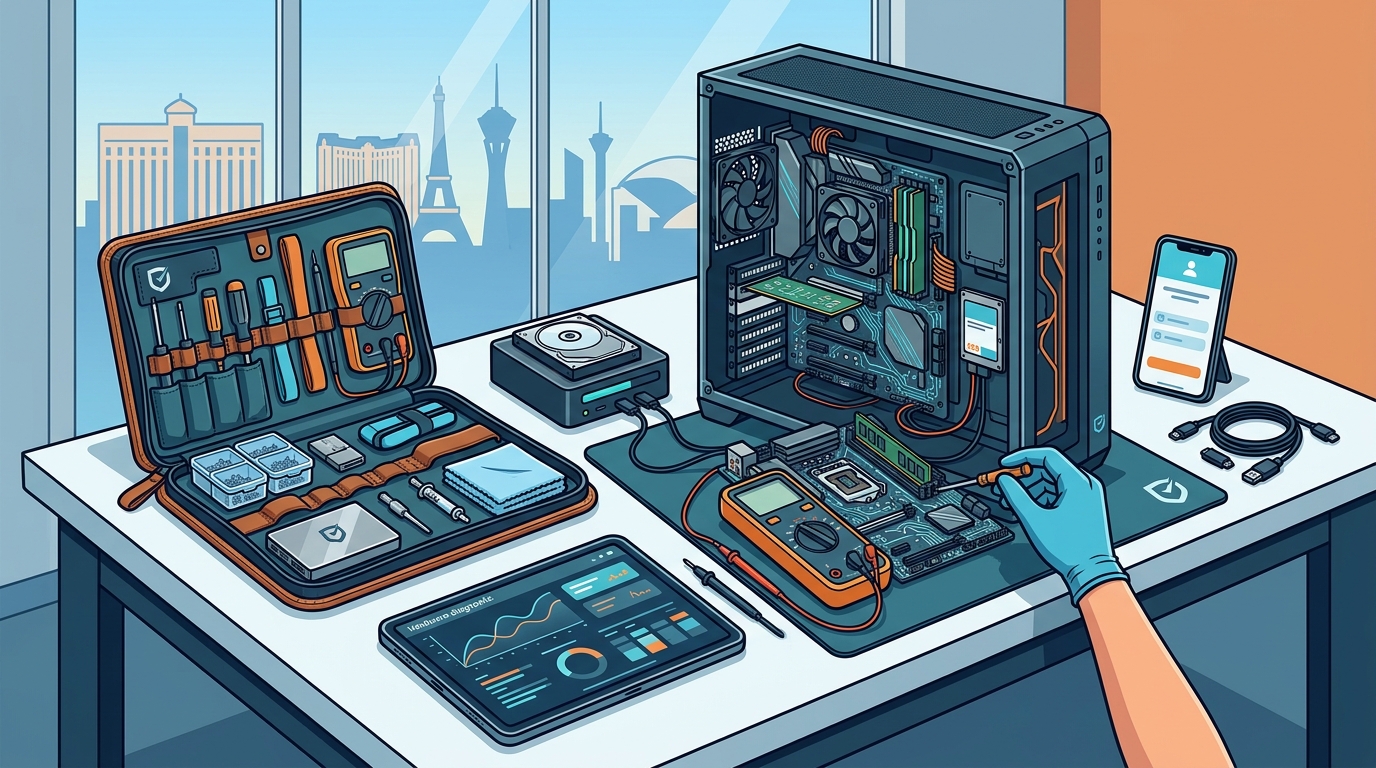
Verifying a technician's credentials is a critical step in protecting your business or personal data. Technical certification is a formal credential that validates a professional's knowledge in specific IT domains, such as hardware repair or network administration. While not all technicians hold formal certifications, reputable companies often employ staff with industry-recognized training.
You can verify a company's legitimacy by checking their business registration and online reputation. Look for consistent reviews across multiple platforms. Check if the company is listed in local business directories with a verified address. For Doctors of Technology, you can verify their long-standing presence in the Las Vegas market by reviewing their history and client testimonials. Be wary of providers who cannot provide a physical address or who use generic email addresses for business communication.
The On-Site Repair Process
Understanding the workflow helps you prepare for the technician's arrival. The process typically follows a structured sequence to ensure efficiency and accuracy.
Step 1: Remote Assessment
Step 2: On-Site Diagnosis
The technician arrives at your location and performs a physical inspection. They run diagnostic software to identify hardware failures, software conflicts, or malware infections. This stage usually takes 30 to 60 minutes.
Step 3: Estimate and Approval
After diagnosis, the technician provides a detailed estimate. You review the costs and approve the work. No repairs begin until you give explicit permission.
Step 4: Repair and Testing
The technician performs the necessary repairs, such as replacing a hard drive or removing malware. They then test the system to ensure stability before leaving.
Understanding Repair Costs
Costs for on-site repair vary based on several factors. Service fee is the base charge for the technician's time and travel, which is often separate from the cost of parts. Understanding these components helps you budget accurately.
| Cost Component | Description | Typical Variability |
|---|---|---|
| Diagnostic Fee | Charge for the initial visit and assessment | Fixed rate, often credited toward repair |
| Labor | Time spent performing the repair | Hourly rate, varies by complexity |
| Parts | Cost of hardware like SSDs, RAM, or screens | Depends on part type and brand |
| Travel | Cost for traveling to your location | May be included in base fee or charged per mile |
Complex issues like data recovery or motherboard replacement will cost more than simple software fixes. Always ask for a written estimate that breaks down labor and parts separately.
Common Mistakes to Avoid
Many clients make errors that complicate the repair process or increase costs. Avoiding these mistakes ensures a smoother experience.
- Not backing up data: Always back up important files before a repair, especially if the drive is failing.
- Ignoring early warning signs: Delaying repair until the computer stops working entirely can lead to more expensive fixes.
- Choosing the cheapest option: Low prices may indicate a lack of expertise or use of low-quality parts.
- Not verifying identity: Ensure the technician who arrives matches the name and company provided.
On-Site vs. Drop-Off Repair
Situational Considerations
Different scenarios require different approaches. For example, a home user with a slow laptop may benefit from a simple SSD upgrade, while a business with a network outage needs immediate on-site response. Understanding your specific situation helps you communicate effectively with the technician.
If you are experiencing data loss, time is critical. Inform the technician immediately so they can prioritize data recovery efforts. If you are dealing with malware, ensure the technician has the necessary tools to perform a deep clean and system restore. For gaming PCs, specify your hardware configuration so the technician can bring compatible parts if needed.
Consumer Protections and Rules
Ensure the provider has a clear privacy policy regarding your data. They should not access or copy your personal files without permission. Check if the provider carries liability insurance in case of accidental damage to your equipment. While specific legal protections vary by jurisdiction, maintaining clear communication and documentation is your best defense.
Las Vegas Service Area Details
Local specifics impact the speed and cost of on-site repair. The Las Vegas Valley is a large metropolitan area with varying traffic patterns. Travel time can affect the total cost and arrival window. Doctors of Technology serves the greater Las Vegas area, including surrounding communities. Knowing your specific location helps the technician plan the most efficient route.
Local climate can also affect computer hardware. High temperatures in Las Vegas can cause overheating issues, leading to system crashes or hardware failure. Regular maintenance, such as cleaning dust from fans and vents, is particularly important in this environment. On-site technicians can perform these maintenance tasks to extend the life of your equipment.
Timing Your Repair
Timing can significantly impact the outcome of a repair. Scheduling during off-peak hours may result in faster service. However, if your computer is completely non-functional, you may need to request an emergency visit. Be aware that emergency services often carry a premium fee.
Plan ahead for major upgrades or migrations. If you are switching to a new operating system or moving to a new office, schedule the repair well in advance to avoid downtime. Doctors of Technology recommends booking appointments during weekdays to ensure the most availability.
Long-Term Outcomes
Key Takeaways
- Choose a provider with a clear service area and transparent pricing.
- Always request a written estimate before work begins.
- Verify the technician's identity and credentials upon arrival.
- Back up your data before any repair, especially if the drive is failing.
- Local climate in Las Vegas can affect hardware, making maintenance important.
- Plan ahead for major upgrades to avoid downtime.
- Monitor your system after the repair to ensure long-term stability.
Frequently Asked Questions
Does Doctors of Technology offer on-site repair in Las Vegas?
Yes, Doctors of Technology provides on-site computer repair services across the Las Vegas Valley. They bring the necessary tools and parts to your home or office to diagnose and fix issues.
How much does on-site computer repair cost?
Costs vary based on the issue, parts required, and labor time. The diagnostic fee is typically charged upfront and may be credited toward the repair. Always request a written estimate before work begins.
Can you repair Macs and Windows PCs on-site?
Yes, the technicians are trained to work on both Mac and Windows systems, including laptops and desktops. They can handle hardware replacements, software issues, and performance upgrades.
Do you carry replacement parts with you?
Technicians often carry common parts like SSDs, RAM, and cables. For less common parts, they may need to order them, which can extend the repair time.
Is my data safe during an on-site repair?
Reputable providers like Doctors of Technology follow strict privacy protocols. They do not access or copy your personal files without permission. You can request that they work only on the specific issue at hand.
How long does an on-site repair take?
Simple software fixes may take under an hour. Hardware replacements or complex data recovery can take several hours. The technician will provide an estimated time frame after diagnosis.
Do you offer remote support?
What areas of Las Vegas do you serve?
Doctors of Technology serves the greater Las Vegas area, including surrounding communities. Check their website for specific service area details.