
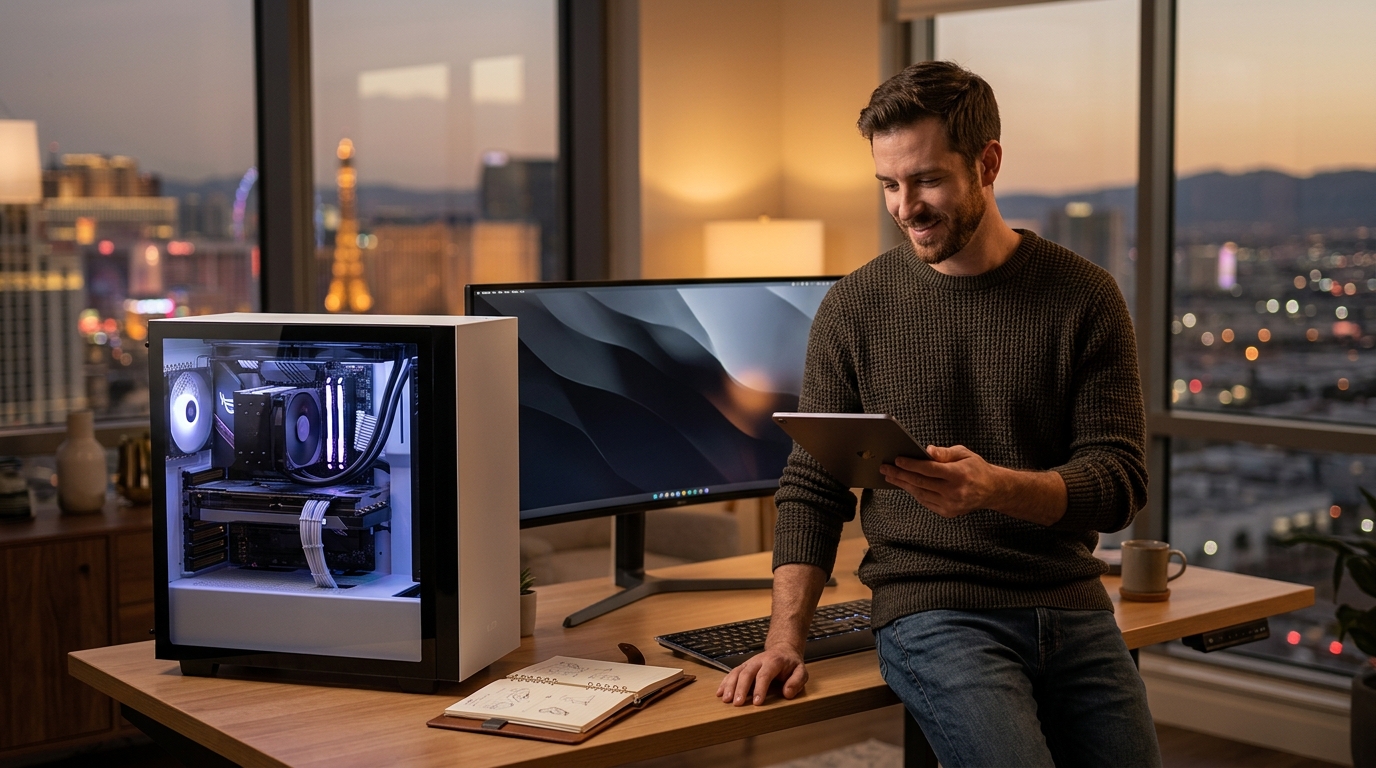
Doctors of Technology is a local Las Vegas provider that builds and repairs custom and gaming PCs. This guide explains how to evaluate local builders, what to ask before committing, and how to verify credentials. It covers the build process, cost drivers, common mistakes, and long-term performance expectations for residents and businesses in the Las Vegas area.
How to Choose a Builder
Choosing the right builder depends on their ability to diagnose, assemble, and test systems reliably. A good builder provides transparent communication and uses quality components. They should be able to explain their process clearly without using confusing jargon.
Experience and Specialization
Look for a provider with experience in both custom builds and repairs. Doctors of Technology offers expert custom-built PC repair and assembly in Las Vegas. Specialized expertise ensures that unique configurations are handled correctly. This is critical for high-performance gaming setups that require precise cooling and power management.
Quality of Parts
The quality of replacement and new parts matters significantly. A reputable builder uses components that match or exceed original specifications. This ensures long-term stability and performance. Ask about the brands and tiers of components they use for different budget levels.
What to Ask Before Committing
Before handing over your money or your old parts, ask specific questions to gauge the builder's professionalism. These questions help you understand what you are getting and how the process will unfold.
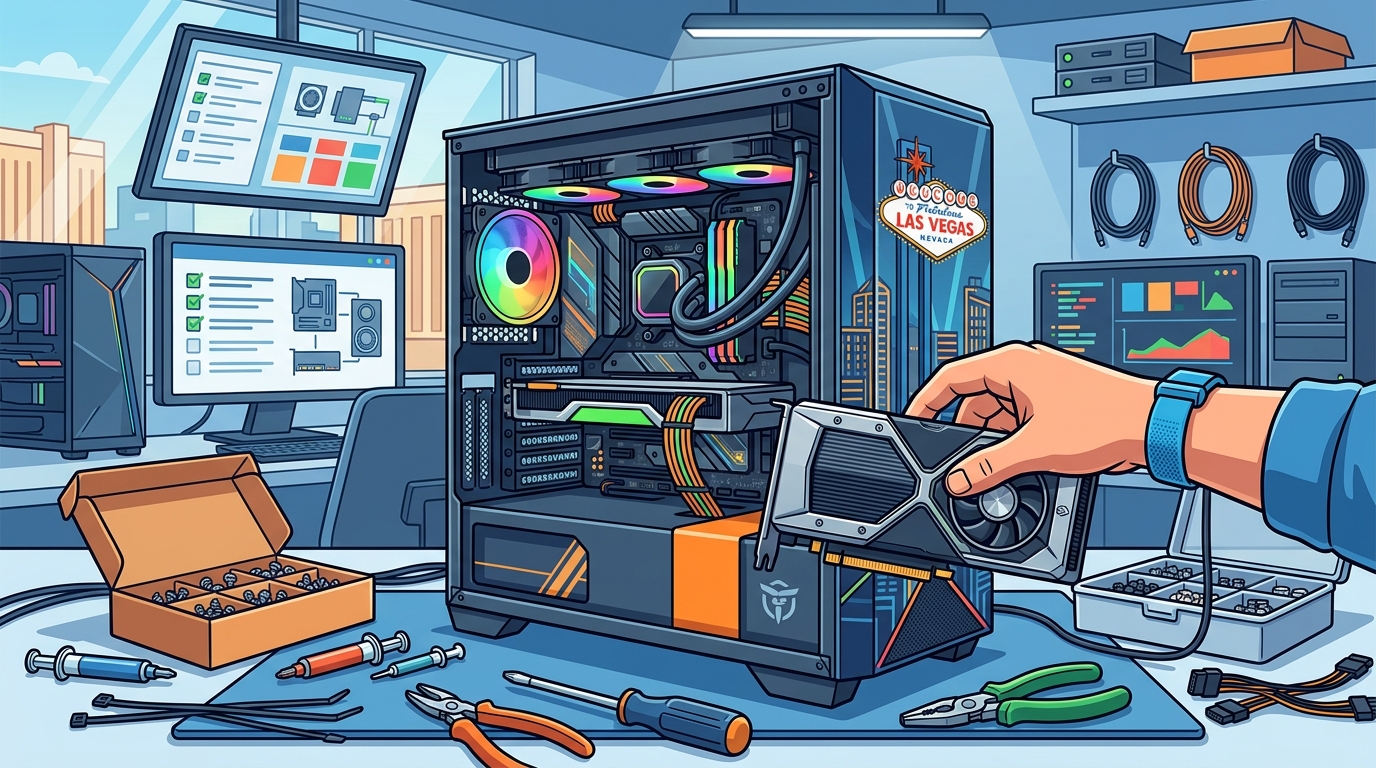
Key Questions to Ask
- What is included in the labor cost?
- Do you provide a warranty on the build?
- Can you show me examples of previous builds?
- How do you handle stress testing and benchmarking?
- What is your policy on returning old parts?
Doctors of Technology provides personalized service, taking time to understand specific needs. They tailor their approach to meet the preferences of your setup. This level of attention to detail is a strong indicator of a reliable provider.
How to Verify Claims
Verifying a builder's credentials and claims is essential to avoid scams or poor workmanship. You can check for online reviews, ask for references, and verify any certifications they claim to hold.
Checking Reviews and References
Look for consistent positive feedback from local customers. Check platforms like Google and Yelp for recent reviews. Ask the builder for references from past clients, especially those with similar build requirements. This helps you confirm their reputation in the Las Vegas community.
Verifying Certifications
While not all builders hold formal certifications, some may have training in specific hardware or software. Ask for proof of any certifications they mention. Be cautious of providers who make vague claims without providing verifiable evidence.
How the Build Process Works
Understanding the build process helps you set realistic expectations for time and communication. A professional build follows a structured workflow from planning to final testing.
Step-by-Step Workflow
- Consultation: Discuss your budget, use case, and aesthetic preferences.
- Component Selection: Choose compatible parts based on your needs.
- Assembly: Physical installation of components with attention to cable management.
- Testing: Stress testing for stability, temperature, and performance.
- Delivery: Final inspection and handover with documentation.
Doctors of Technology uses a clear workflow to keep you informed at every step. This transparency ensures you always know what is happening with your PC.
What It Costs
The cost of a custom PC build varies widely based on component choices and labor. Understanding what drives the price helps you budget effectively.
Cost Drivers
| Factor | Impact on Cost | Notes |
|---|---|---|
| GPU Tier | High | High-end graphics cards significantly increase total cost. |
| CPU Tier | Medium | Processor choice affects gaming and productivity performance. |
| Storage Type | Low to Medium | SSDs are faster but cost more per GB than HDDs. |
| Cooling Solution | Medium | Custom liquid cooling is more expensive than air cooling. |
| Labor | Fixed | Professional assembly and testing fees. |
Service availability, pricing, and turnaround times vary depending on the device, diagnosis, required parts, and complexity of the issue. Always request a detailed quote before starting a build.
Common Mistakes to Avoid
Many custom builds fail due to common errors in planning or execution. Avoiding these mistakes can save you time and money.
Top Mistakes
- Incompatible Parts: Ensuring all components fit together physically and electrically.
- Poor Cable Management: Messy cables can restrict airflow and reduce performance.
- Insufficient Cooling: Underestimating heat output can lead to throttling or hardware damage.
- Skipping Stress Tests: Not testing under load can hide stability issues.
Doctors of Technology addresses these risks with detailed diagnostics and quality parts assurance. Their technicians are skilled in resolving complex issues that arise during the build process.
Versus Alternatives
Custom builds offer flexibility and performance but come with higher upfront costs and complexity. Comparing them to alternatives helps you decide what is best for your needs.
Custom vs. Pre-Built
Pre-built PCs are convenient and often come with warranties, but they may include unnecessary features or lower-quality components. Custom builds allow you to choose every part, ensuring you only pay for what you need. This can lead to better performance per dollar in the long run.
Custom vs. Repairing Old PC
Upgrading an existing PC can be cost-effective if the motherboard and CPU are still viable. However, if the platform is outdated, a new custom build may offer better value and longevity. Doctors of Technology can help you evaluate whether an upgrade or a new build is the right choice.
For Specific Situations
Different use cases require different build priorities. Tailoring your build to your specific situation ensures optimal performance.
Gaming vs. Productivity
Gaming PCs prioritize GPU performance and high refresh rate displays. Productivity PCs may focus on CPU cores, RAM capacity, and storage speed. A balanced build can handle both, but you should prioritize based on your primary use.
Business Use
For business users, reliability and security are paramount. A custom build can be configured with enterprise-grade components and robust cooling solutions. Doctors of Technology provides business IT support and can integrate custom PCs into existing office networks.
Rules and Protections
Understanding your rights and the rules that apply to custom builds helps protect your investment. This includes warranty terms and consumer protection laws.
Warranty Considerations
Consumer Protections
As a consumer, you have the right to clear pricing and honest communication. Ensure that all costs are disclosed upfront. If a builder makes promises they cannot keep, you may have legal recourse under consumer protection laws.
Local Specifics for Las Vegas
Las Vegas has a unique environment that can impact PC performance and longevity. The desert climate exposes PCs to dust and heat, which can cause overheating and performance issues.
Climate Impact
High temperatures and dust accumulation are common challenges in Las Vegas. A well-designed custom build with effective cooling and dust filters can mitigate these risks. Doctors of Technology addresses these local environmental factors in their builds and repairs.
Local Support
Having a local provider offers the advantage of quick access to support and repairs. Doctors of Technology serves Las Vegas, Henderson, Summerlin, and surrounding areas. This local presence ensures you can get help when you need it most.
Timing Your Build
Timing your build can affect both cost and availability. Hardware prices fluctuate, and new releases can impact the value of current components.
When to Buy
Consider buying during sales events or when new hardware generations are released. This can offer better value and access to the latest technology. However, waiting for new releases may mean paying a premium for cutting-edge components.
Lead Times
Custom builds may take longer than pre-built PCs due to component availability and assembly time. Plan ahead if you need your PC for a specific event or deadline. Doctors of Technology strives to deliver the fastest repair turnaround without compromising on quality.
Results Over Time
A well-built custom PC should maintain its performance over time with proper maintenance. Understanding long-term outcomes helps you make an informed decision.
Long-Term Performance
Regular maintenance, such as cleaning dust and updating drivers, can extend the life of your PC. A high-quality build with good cooling will handle heat better, reducing the risk of throttling and hardware failure. Doctors of Technology offers maintenance services to keep your PC running smoothly for years.
Upgrade Path
Custom builds often have a clear upgrade path, allowing you to replace individual components as technology advances. This modularity can save you money in the long run compared to replacing the entire system.
Key Takeaways
- Choose a builder with experience in custom builds and repairs.
- Ask specific questions about labor, warranties, and testing.
- Verify credentials and check online reviews.
- Understand the build process and expected timeline.
- Budget for component costs and labor fees.
- Avoid common mistakes like incompatible parts and poor cooling.
- Consider local climate factors in Las Vegas.
- Plan for long-term maintenance and upgrades.
Frequently Asked Questions
How long does a custom PC build take?
A custom PC build typically takes a few days to a week, depending on component availability and complexity. Doctors of Technology strives to provide fast turnaround times while ensuring quality.
Do you offer warranties on custom builds?
Can I use my old parts in a new build?
In some cases, you can reuse old parts like storage drives or peripherals. However, older components may not be compatible with new platforms. A professional builder can assess compatibility.
What is the cost of a custom gaming PC in Las Vegas?
How do I maintain my custom PC?
Regular cleaning, driver updates, and monitoring temperatures are key to maintaining your PC. Doctors of Technology offers maintenance services to help you keep your system in top condition.
Is a custom build better than a pre-built PC?
Custom builds offer more flexibility and potentially better value, but they require more planning. Pre-built PCs are convenient and often come with comprehensive warranties. The best choice depends on your needs and budget.
Can Doctors of Technology repair a custom PC I built myself?
Yes, Doctors of Technology provides expert custom-built PC repair in Las Vegas. Their technicians can diagnose and fix issues with self-built systems.
Conclusion
Choosing the right builder for your custom or gaming PC in Las Vegas requires careful consideration of experience, quality, and local factors. Doctors of Technology offers expert custom-built PC repair and assembly, providing personalized service and quality parts assurance. By following the guidelines in this article, you can make an informed decision and ensure your investment is protected. To plan your visit or schedule a consultation, at Doctors of Technology.