
Who Diagnoses Hardware Problems and Replaces Computer Components in Las Vegas?
Doctors of Technology is a local Las Vegas computer repair shop that diagnoses hardware failures and replaces computer components for home users and businesses. This guide explains how hardware diagnostics work, which parts are typically replaced, and how to choose a reliable local technician. It covers the diagnostic process, common component failures, and practical steps to protect your device.
Hardware Diagnostics
Hardware diagnostics is the process of testing physical computer components to identify the root cause of a malfunction. When a computer runs slow, overheats, or fails to boot, the issue is often physical rather than software-related. A proper diagnostic session isolates the failing part so the repair is targeted and effective.
Common Hardware Failure Signs
Users often notice specific symptoms before a complete failure. Loud fan noise usually indicates dust buildup or a failing cooling system. Random shutdowns can point to power supply issues or overheating. A screen that flickers or shows lines suggests a failing display panel or loose video cable. These signs help technicians prioritize their testing.
The Diagnostic Workflow
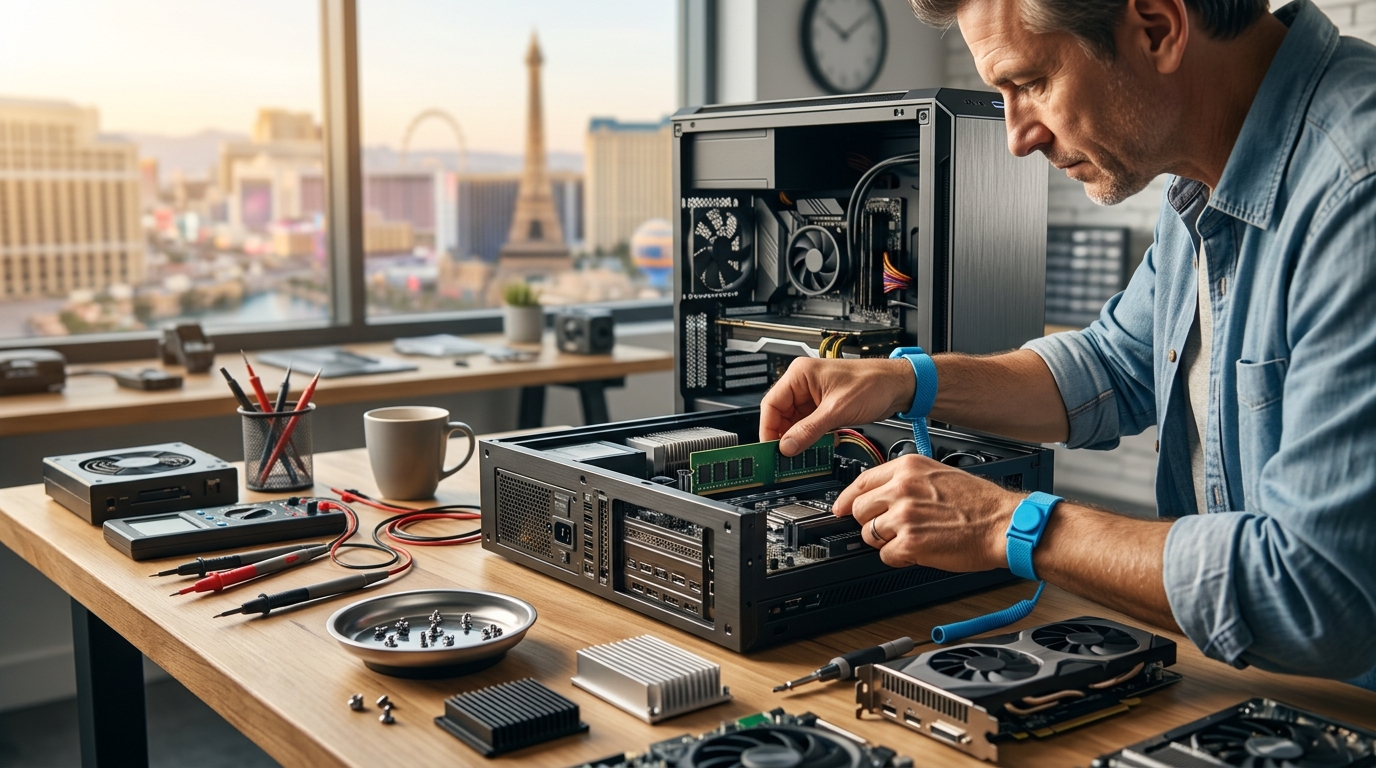
Professional technicians use a structured approach to avoid guesswork. They start with a visual inspection for physical damage, dust, or loose connections. Next, they run software-based hardware tests to check memory, storage, and processor stability. Finally, they may use multimeters or thermal cameras to verify power delivery and heat distribution. This method ensures that the correct part is identified before any replacement occurs.
At Doctors of Technology, the diagnostic process is designed to be transparent. Technicians explain their findings in plain language, helping customers understand exactly what is wrong with their device. This clarity is essential for making informed decisions about repair versus replacement.
Component Replacement
Component replacement is the process of swapping out failed or underperforming hardware parts with new or refurbished units. This service extends the life of a computer and restores performance. Not all components are equally easy to replace, and the complexity varies by device type.
Storage and Memory Upgrades
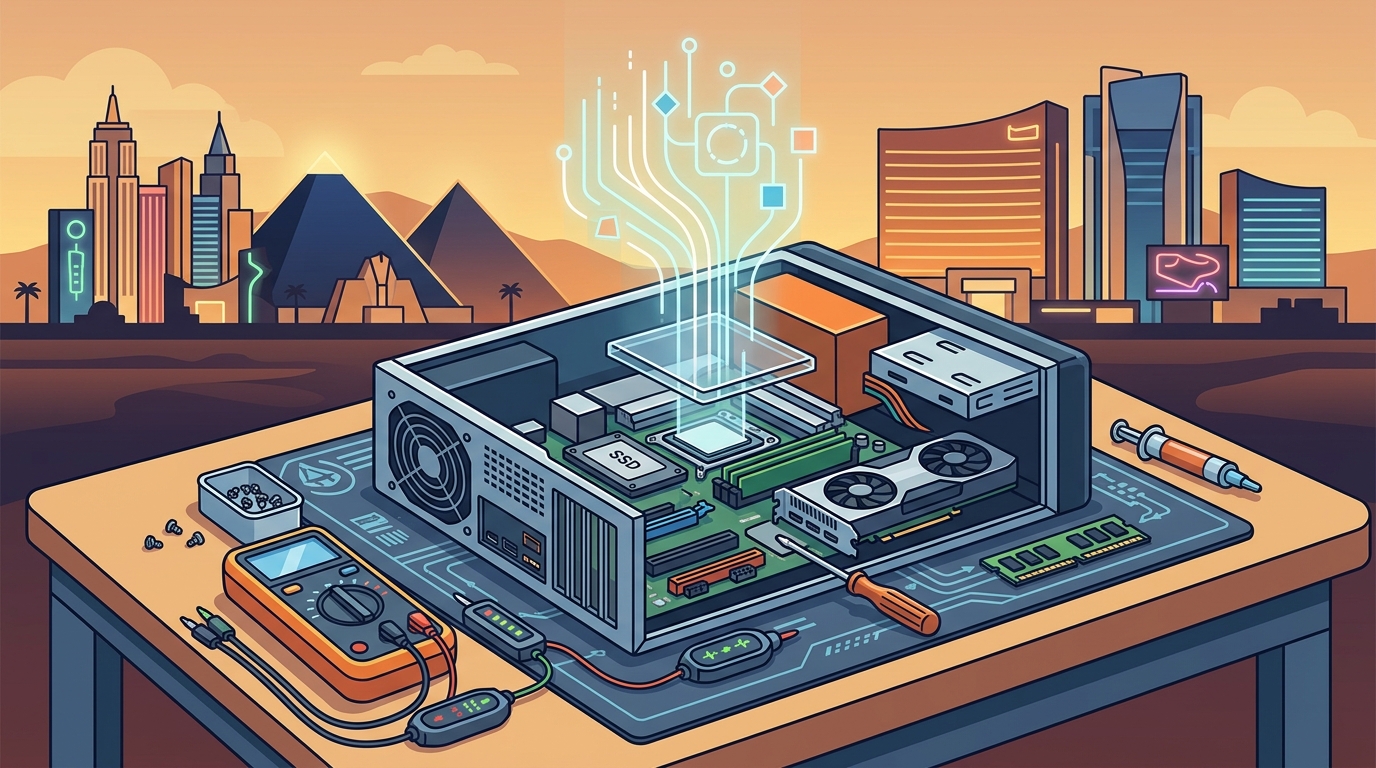
Hard drive and memory upgrades are among the most common hardware replacements. Replacing a mechanical hard drive with a solid-state drive (SSD) is a standard practice that significantly improves boot times and application loading. Adding more RAM helps systems that struggle with multitasking. These upgrades are often less expensive than buying a new computer and can breathe new life into aging machines.
Display and Battery Replacements
Laptop screens and batteries are consumable components that degrade over time. A cracked screen or a battery that no longer holds a charge are common reasons for repair. Technicians replace these parts using compatible components that match the original specifications. Proper installation ensures that the device maintains its structural integrity and safety standards.
Power and Cooling Systems
Power supply units (PSUs) and cooling fans are critical for system stability. A failing PSU can cause random restarts or prevent the computer from turning on at all. Overheating due to clogged fans or dried thermal paste can throttle performance or damage the processor. Replacing these components requires careful handling to avoid damaging other parts of the system.
| Component | Common Failure Signs | Replacement Complexity |
|---|---|---|
| Hard Drive / SSD | Slow performance, clicking noises, data loss | Low to Moderate |
| RAM | System crashes, blue screens, slow multitasking | Low |
| Laptop Screen | Cracks, flickering, dead pixels | Moderate |
| Battery | Short runtime, swelling, not charging | Low to Moderate |
| Power Supply | Won't turn on, random shutdowns | Moderate to High |
| Cooling Fan | Loud noise, overheating, throttling | Moderate |
Key Takeaways
- Hardware diagnostics is the systematic testing of physical components to find the root cause of a problem.
- Common signs of hardware failure include loud fans, random shutdowns, and screen issues.
- Professional diagnostics use a combination of visual inspection, software tests, and physical tools.
- Component replacement extends the life of a computer and can be more cost-effective than buying new.
- SSD and RAM upgrades are the most common performance-improving replacements.
- Power and cooling issues require careful handling to prevent further damage.
- Choosing a local technician with transparent pricing and clear communication is crucial for a positive repair experience.
- Regular maintenance can prevent many hardware failures before they occur.
Frequently Asked Questions
How long does hardware diagnostics take?
The time required for diagnostics depends on the complexity of the issue. Simple problems like a loose cable can be identified in minutes, while deeper hardware failures may require several hours of testing. A professional technician will provide an estimate after the initial assessment.
Can I replace computer components myself?
Some components like RAM and SSDs are relatively easy to replace if you are comfortable working with hardware. However, more complex parts like power supplies or laptop screens require specialized tools and knowledge. Attempting to replace complex components without experience can void warranties or cause further damage.
What is the difference between hardware and software repair?
Hardware repair involves fixing or replacing physical parts of the computer, such as the drive, screen, or power supply. Software repair involves fixing operating system issues, removing viruses, or reinstalling applications. Many problems can be caused by either, which is why a thorough diagnostic is necessary to determine the correct approach.
How do I know if my computer needs a hardware replacement?
If your computer exhibits physical symptoms like loud noises, overheating, or physical damage, it likely needs a hardware replacement. If the issue is purely related to speed or software errors, it might be a software problem. A professional diagnostic can confirm whether the issue is hardware-related.
Are replacement parts guaranteed?
Reputable repair shops use quality replacement parts that come with manufacturer warranties. The repair shop may also offer a service warranty on the labor performed. It is important to ask about the warranty terms for both the parts and the labor before authorizing the repair.
How much does component replacement cost?
Costs vary widely depending on the component and the device. Simple upgrades like adding RAM are generally less expensive, while replacing a laptop screen or power supply can be more costly. A professional technician will provide a clear quote after diagnosing the issue.
Can a computer be repaired if it won't turn on at all?
Yes, many computers that won't turn on can be repaired. The issue is often related to the power supply, battery, or a loose connection. A technician can diagnose the power delivery chain to identify the specific failure point.
Conclusion
Choosing the right technician for hardware diagnostics and component replacement is critical for preserving your investment. Doctors of Technology provides expert service for a wide range of devices, ensuring that your computer is in capable hands. Whether you need a simple upgrade or a complex repair, their team is ready to help.
To schedule a diagnostic or discuss your repair needs, contact Doctors of Technology today. Their local team is dedicated to providing clear, honest, and effective computer repair services in Las Vegas.