
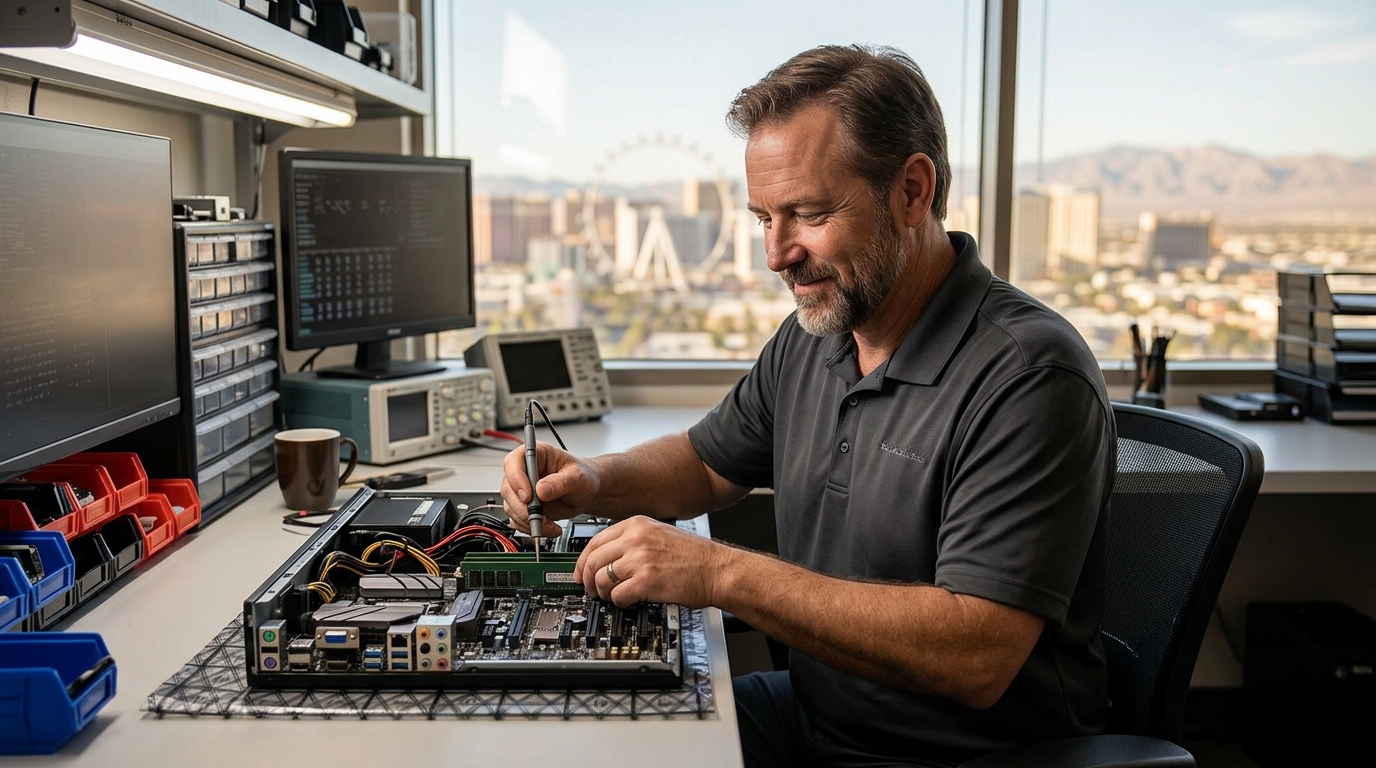
Doctors of Technology diagnoses hardware problems and replaces computer components for residents and businesses in Las Vegas. This guide explains how professional diagnostics identify failing parts and how component replacement restores system stability. It covers the diagnostic process, common replacement scenarios, and how to choose a reliable local provider. For additional details, review the Doctors of Technology homepage.
Hardware Diagnostics
Hardware diagnostics is the process of testing computer components to identify the root cause of performance issues or failures. Professional technicians use specialized software and physical inspection to isolate problems. This step is critical because symptoms like slow boot times or random shutdowns can stem from multiple different hardware faults. For additional details, review the Doctors of Technology homepage.
Common Diagnostic Tests
Technicians at Doctors of Technology perform a range of tests to pinpoint issues. Memory testing verifies that RAM modules are functioning correctly and detecting errors that cause crashes. Storage diagnostics check hard drives and solid-state drives for bad sectors, read/write errors, and overall health status. Thermal monitoring measures component temperatures to identify overheating issues that can lead to throttling or shutdowns. For additional details, review the Doctors of Technology homepage.
Why Professional Diagnostics Matter
Component Replacement
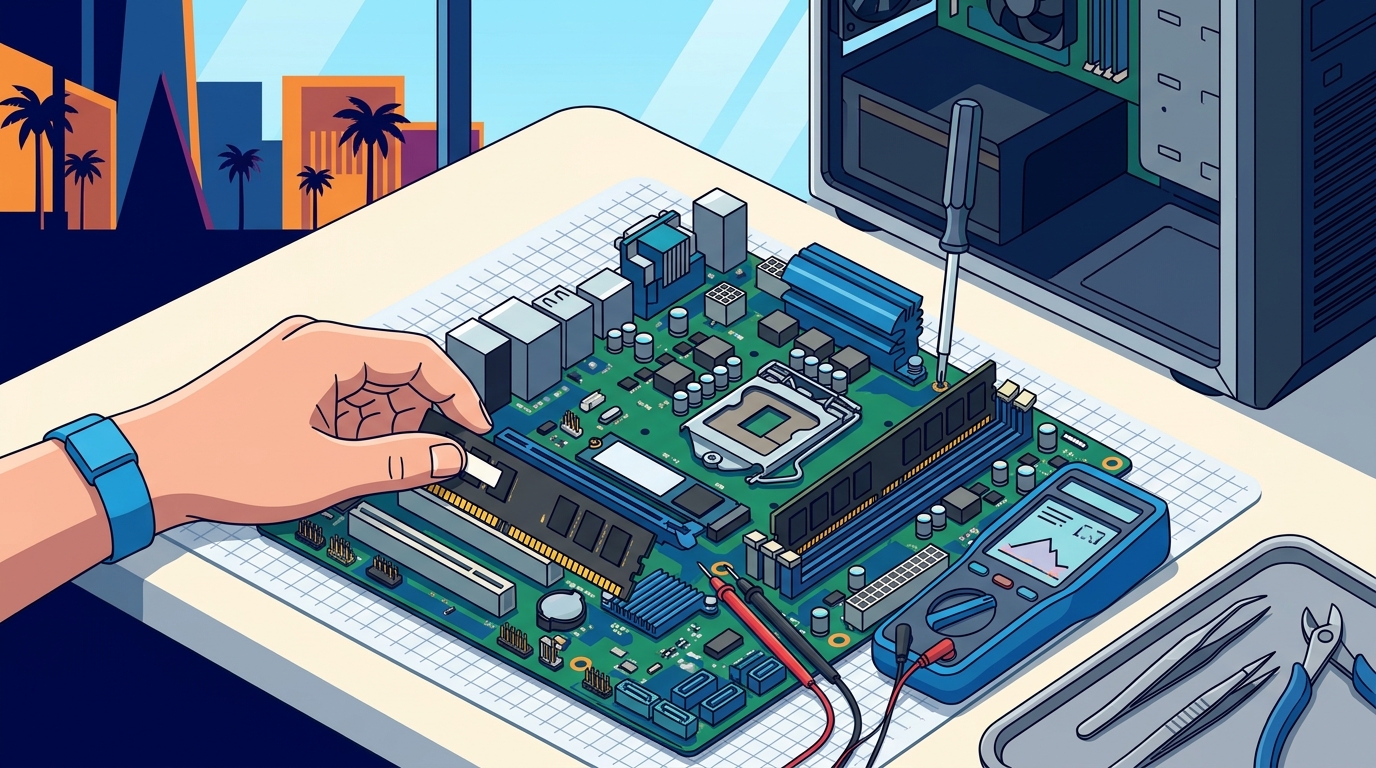
Component replacement is the process of swapping out failed or underperforming hardware parts with new or refurbished units. This service is essential for restoring computer performance and extending the lifespan of the device. Doctors of Technology handles replacements for a wide range of components, including storage, memory, and power supplies. For additional details, review the Doctors of Technology homepage.
Storage Upgrades and Replacements
Memory and Power Component Swaps
Comparison of Common Replacement Scenarios
| Component | Common Failure Symptoms | Replacement Benefit |
|---|---|---|
| Hard Drive / SSD | Slow performance, clicking noises, boot failures | Faster speeds, improved reliability |
| RAM | System crashes, blue screens, slow multitasking | Improved multitasking, stability |
| Power Supply | Random shutdowns, failure to power on | Stable power delivery, component protection |
| Cooling System | Overheating, loud fan noise, thermal throttling | Better temperature control, quieter operation |
Key Takeaways
- Hardware diagnostics is the process of testing computer components to identify the root cause of performance issues.
- Professional diagnostics prevent misdiagnosis and unnecessary part replacements.
- Component replacement involves swapping out failed hardware with new or refurbished units.
- SSD upgrades are one of the most effective ways to improve system performance.
- Doctors of Technology provides free diagnostics to help customers understand their hardware issues.
- Proper installation and post-replacement testing are critical for ensuring long-term stability.
- Regular maintenance and monitoring can help prevent hardware failures before they occur.
Frequently Asked Questions
What is hardware diagnostics?
Hardware diagnostics is the process of testing computer components to identify the root cause of performance issues or failures.
Why should I use a professional for component replacement?
Professional technicians have the tools and expertise to correctly identify and replace failed components, ensuring system stability and preventing further damage.
Does Doctors of Technology offer free diagnostics?
What components can be replaced?
How long does component replacement take?
Turnaround times vary depending on the complexity of the issue and parts availability. Simple replacements may be completed quickly, while more complex issues may take longer.
Is data recovery guaranteed?
Data recovery is not guaranteed. The success of data recovery depends on the extent of the hardware damage and the condition of the storage media.
Can I upgrade my computer to an SSD?
Yes, upgrading to an SSD is a common and effective way to improve system performance. Doctors of Technology can handle the installation and data migration process.