

Affordable IT Support for Small Businesses in Las Vegas: The 2026 Guide
How to Choose a Provider
Proactive vs. Reactive Support
Scope of Services
Questions to Ask Before Committing
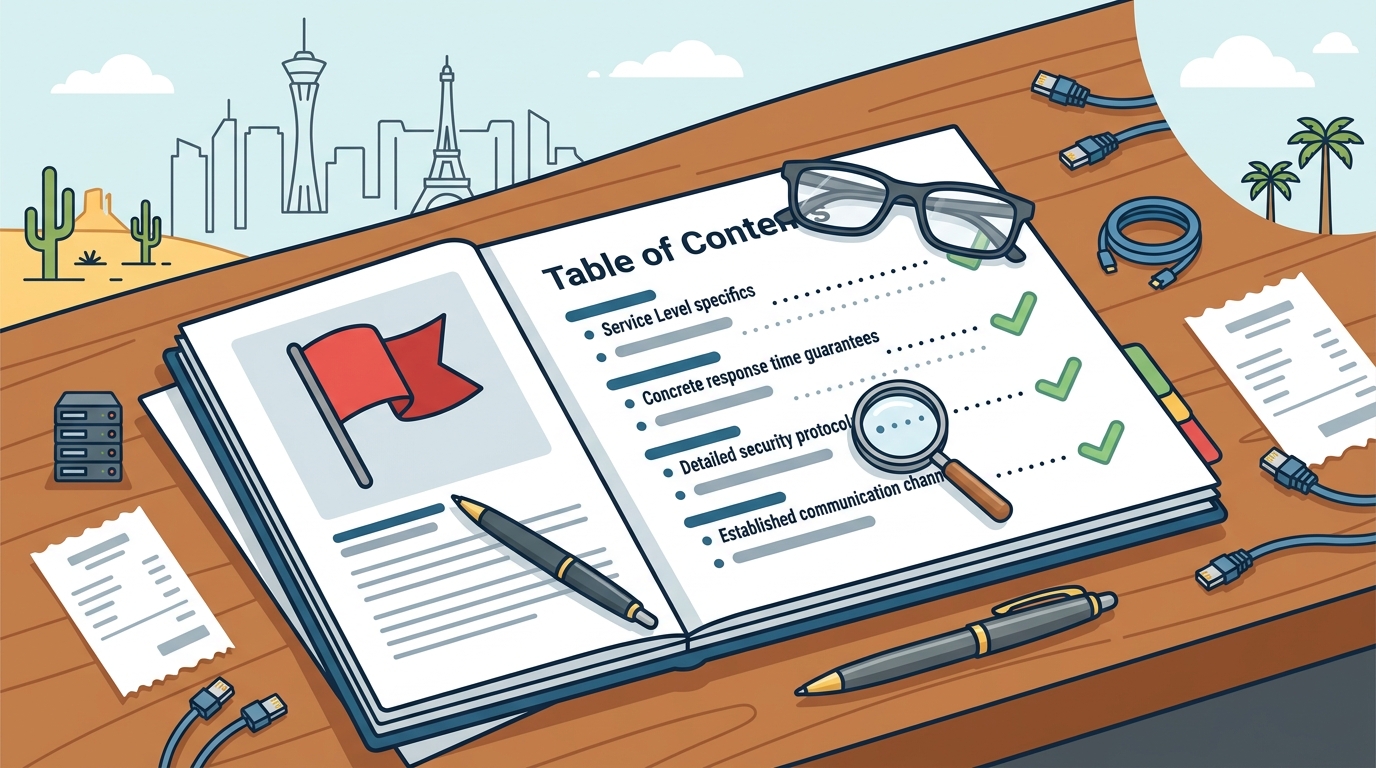
Before signing any agreement, you must ask specific questions to gauge the provider's operational maturity. Vague answers are a red flag. You need concrete details about their response times, security protocols, and communication channels. For additional details, review the .
Response Time and Availability
Security and Data Handling
Ask how they secure your data during remote sessions. Do they use encrypted connections? What are their policies on data access? You should also ask about their backup and disaster recovery strategies. Data recovery is not guaranteed in all cases, so having a robust backup strategy managed by your IT provider is essential. For additional details, review the Customer Experience.
Verifying Credentials and Claims
Do not take marketing claims at face value. You must verify the credentials and reputation of any IT provider. This step protects you from unqualified technicians who may cause more harm than good. For additional details, review the Frequently Asked Questions.
Check Business Licensing and Insurance
Verify that the company is properly licensed to operate in Nevada. Check their general liability insurance and cyber liability coverage. A reputable firm will provide certificates of insurance upon request. This ensures that if a technician damages your equipment or if a data breach occurs due to their negligence, you are protected. For additional details, review the About.
Review Independent Ratings
Look for ratings from independent bodies like the Better Business Bureau (BBB). Doctors of Technology maintains a strong reputation in the Las Vegas area. Check for consistent positive reviews over time, not just a few recent ones. Look for reviews that mention specific services like network troubleshooting or data recovery to ensure they handle complex issues well.
The Service Process and Timeline
Intake and Diagnosis
The process begins with a ticket submission. You describe the issue via phone, email, or a portal. The provider performs an initial triage to determine if the issue can be resolved remotely or requires on-site attention. For hardware issues, a diagnostic phase is necessary to identify the root cause before any parts are ordered.
Resolution and Follow-Up
Once the issue is identified, the technician implements a fix. This could involve replacing a hard drive, updating network settings, or removing malware. After the fix, the provider should document the solution and monitor the system to ensure stability. Turnaround times vary depending on the complexity of the issue and parts availability.
Understanding IT Support Costs
Pricing Models
Factors Influencing Price
The cost depends on the number of devices, the complexity of the network, and the level of support required. A business with 10 laptops and a simple Wi-Fi setup will pay less than a business with 50 workstations, servers, and complex security requirements. Service availability, pricing, and turnaround times vary depending on the device, diagnosis, required parts, and complexity of the issue.
Common Mistakes to Avoid
Many small businesses make critical errors when selecting IT support. Avoiding these mistakes can save you thousands of dollars and significant stress.
Ignoring Security Protocols
One of the biggest mistakes is hiring a provider that does not prioritize cybersecurity. If your provider does not manage firewalls, antivirus, or user access controls, you are vulnerable to ransomware and data breaches. Ensure your provider has a clear security policy and regular audit process.
Underestimating Data Backup
Managed IT vs. In-House vs. Break-Fix
Choosing the right model depends on your business size and budget. Here is a comparison of the three main options.
| Model | Best For | Pros | Cons |
|---|---|---|---|
| In-House IT | Larger Businesses | Full control, immediate access | High salary, single point of failure, no 24/7 coverage |
| Break-Fix | Very Small Businesses | No monthly fee, pay only for work | Reactive, unpredictable costs, no proactive maintenance |
Tailoring Support to Your Business
Retail and Hospitality
Professional Services
Legal Protections and Data Rights
Understanding your legal rights and the provider's obligations is crucial. Your contract should clearly define data ownership, confidentiality, and liability.
Data Ownership and Confidentiality
Your data belongs to you. The contract should state that the provider cannot sell, share, or use your data for any other purpose. They must sign a Non-Disclosure Agreement (NDA) to protect your confidential information. This is especially important for businesses handling personal or financial data.
Liability and Indemnification
Las Vegas Specifics
Las Vegas has unique IT challenges and opportunities. Understanding these local specifics helps you choose the right provider.
Geographic Coverage
Industry Mix
The Las Vegas economy is driven by tourism, hospitality, and entertainment. These industries have high-tech needs and high expectations for uptime. A local provider understands these dynamics and can tailor their services accordingly. They are familiar with the specific challenges of running IT in a 24/7 environment.
When to Act
Timing is critical when selecting an IT provider. Acting at the right time can prevent major issues and save money.
Before a Major Upgrade
If you are planning a major IT upgrade, such as migrating to the cloud or replacing all your computers, engage a provider before you start. They can help you plan the migration, ensure compatibility, and minimize disruption. Trying to manage a major upgrade without professional guidance often leads to costly mistakes.
After a Security Incident
If you have experienced a security incident, such as a ransomware attack or data breach, act immediately. You need a provider who can contain the threat, investigate the cause, and restore your systems. Delaying action can lead to further damage and data loss. A proactive provider can also help you implement measures to prevent future incidents.
Long-Term Outcomes
The value of a good IT provider is measured over time. You should expect measurable improvements in efficiency, security, and cost savings.
Reduced Downtime
With proactive monitoring and maintenance, you should see a significant reduction in unplanned downtime. This translates to increased productivity and revenue. Your employees can focus on their work instead of dealing with tech issues.
Cost Predictability
A managed IT service provides predictable monthly costs. This makes budgeting easier and helps you avoid surprise expenses. Over time, you should see a reduction in the total cost of ownership of your IT infrastructure. You will also benefit from extended hardware life due to proper maintenance and timely upgrades.
Key Takeaways
- Verify the provider's licensing, insurance, and independent ratings before signing a contract.
- Understand the pricing model and ensure it aligns with your business size and needs.
- Ensure your contract clearly defines data ownership, confidentiality, and liability.
- Consider the local specifics of Las Vegas, such as geographic coverage and industry mix.
- Act proactively by engaging a provider before major upgrades or after security incidents.
- Expect measurable improvements in uptime, security, and cost predictability over time.
Frequently Asked Questions
What is the difference between managed IT and break-fix support?
Managed IT is a proactive service where the provider monitors and maintains your systems to prevent issues. Break-fix is reactive, where you pay only when something breaks. Managed IT is generally more cost-effective for small businesses with multiple devices.
How long does it take to set up a new IT support relationship?
Do I need to replace all my hardware to get managed IT?
No, you do not need to replace all your hardware. A good provider will work with your existing equipment, provided it is in good condition and meets security standards. They may recommend upgrades for older or inefficient devices, but it is not a requirement.
How does on-site support work in Las Vegas?
What happens if my data is lost?
If your data is lost, your provider will attempt to recover it. However, data recovery is not guaranteed. This is why having a robust backup strategy is essential. A good provider will manage your backups to ensure you can restore your data in case of loss.
Can I switch IT providers if I am not satisfied?
Yes, you can switch providers. However, it is important to review your contract for any termination clauses or notice periods. A good provider will make the transition process smooth, including transferring documentation and access credentials.
How much does IT support cost for a small business?
Costs vary widely based on the number of devices and the level of support. A small business with 5-10 devices might pay a few hundred dollars per month for managed IT. On-site visits may incur additional fees. Service availability, pricing, and turnaround times vary depending on the device, diagnosis, required parts, and complexity of the issue.