
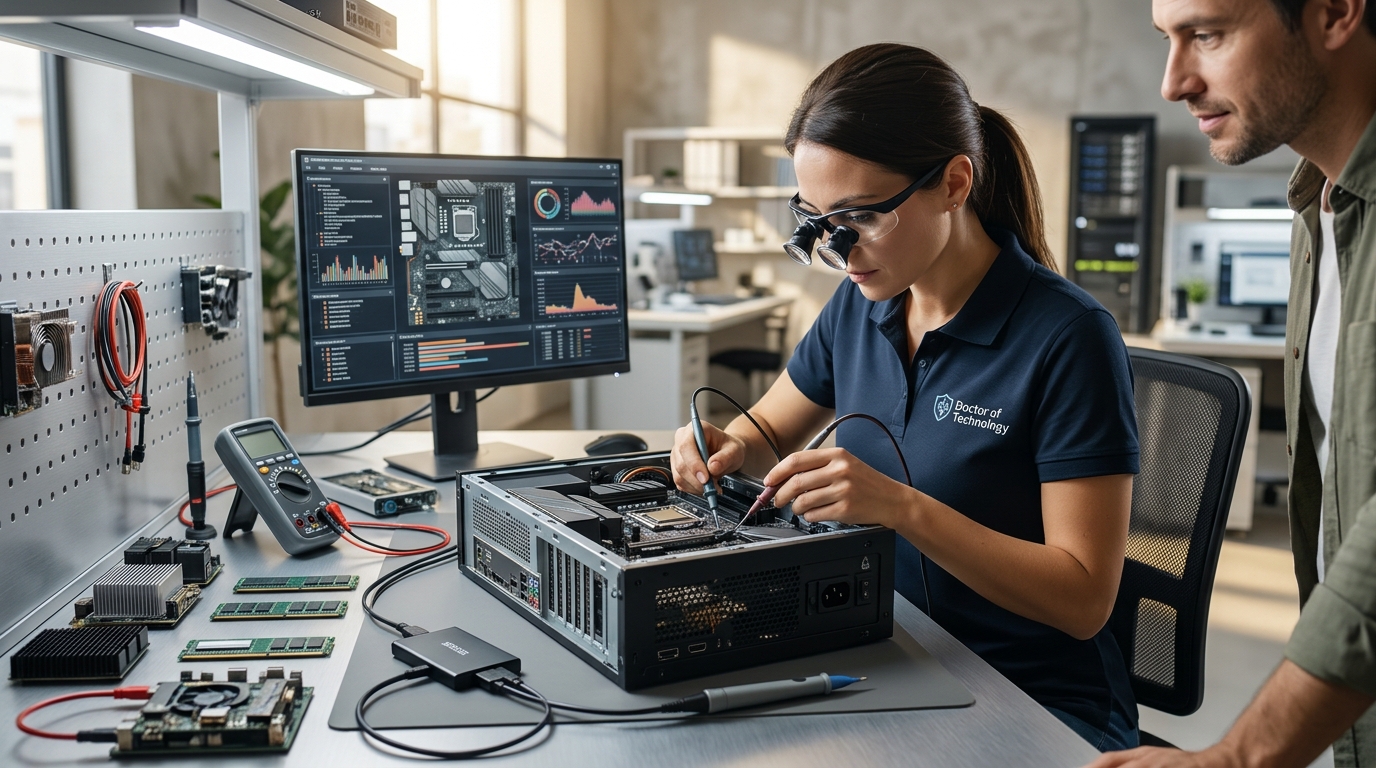
Local computer hardware testing involves a professional evaluating physical components like the motherboard, RAM, and storage drives to identify failures. Doctors of Technology in Las Vegas provides this diagnostic service to pinpoint exact hardware issues before any repair begins. This process ensures you only pay for necessary fixes rather than guessing at the problem. For additional details, review the doctorsoftechnology com.
Why Hardware Testing Matters Before Repair
Common Hardware Failures We Diagnose
Physical components wear out over time due to heat, dust, and usage. Storage drive failure is one of the most frequent issues we see in Las Vegas. When a mechanical hard drive starts clicking or making noise, it is a clear sign of imminent failure. Another common issue is thermal throttling, where the processor slows down to prevent overheating. This often happens when dust clogs the cooling fans. We test the thermal paste and fan performance to confirm if heat is the root cause. Identifying these specific failures allows for targeted repairs rather than full system replacements. For additional details, review the Frequently Asked Questions.
The Diagnostic Process Explained
Our diagnostic workflow follows a structured sequence to ensure accuracy. First, we perform a visual inspection of the internal components. We look for swollen capacitors, burnt smells, or physical damage to the motherboard. Next, we run stress tests on the CPU, GPU, and RAM. These tests push the hardware to its limits to reveal instability. For instance, a memory error during a stress test indicates a failing RAM stick. We document all findings in a clear report for you. This transparency helps you understand exactly what is wrong with your machine. For additional details, review the About.
Advantages of Local Hardware Repair
Preparing Your Device for Testing
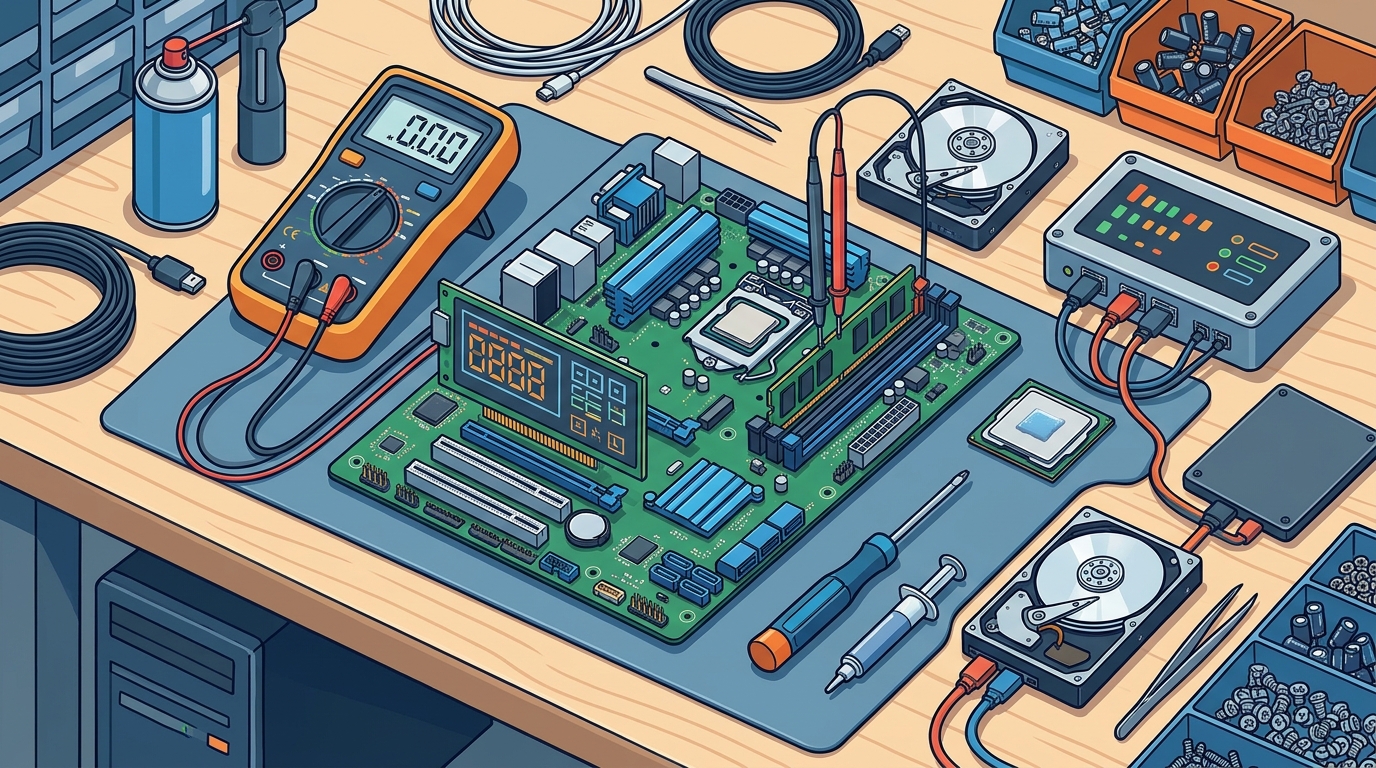
Before bringing your computer in, you should take a few simple steps. Back up any critical data to an external drive or cloud storage. While we handle data with care, hardware failures can sometimes make data inaccessible. Remove any personal accessories like USB drives or external monitors. This helps us focus on the internal components. If your device has a password, let us know in advance. This ensures we can access the system for testing without delays. Proper preparation speeds up the diagnostic process and ensures a smoother experience.
Key Takeaways
- Hardware diagnostics identifies physical component failures before repair.
- Storage drives and cooling systems are the most common failure points.
- Visual inspection and stress testing are core parts of the diagnostic process.
- Backing up data before repair is essential for data safety.
- Environmental factors like heat can impact hardware longevity in Las Vegas.
Frequently Asked Questions
How long does hardware testing take?
Most hardware diagnostics are completed within a few hours. Complex issues may require additional time for thorough testing. We will provide an estimated timeframe during the initial assessment.
Do I need to back up my data before repair?
Yes, we strongly recommend backing up your data. Hardware failures can sometimes result in data loss, so having a backup is your best protection.
Can you test laptops and desktops?
Yes, we test both laptops and desktop computers. Our diagnostic tools work across various hardware configurations and brands.
What if the hardware is beyond repair?
If a component is beyond repair, we will inform you of the findings. We can then discuss options for replacement or data recovery if applicable.
Do you offer on-site hardware testing?
Yes, we provide on-site services for many hardware diagnostics and repairs. This is convenient for business users who cannot leave their equipment.
Next Steps for Your Hardware Repair
If your computer is showing signs of hardware trouble, it is time to get it tested. Doctors of Technology provides thorough hardware diagnostics to identify the root cause of your issues. We focus on accurate testing and clear communication throughout the process. To schedule your hardware test, contact Doctors of Technology today. Learn more: doctorsoftechnology com.